Handling of Consumables 19
_______________________________________________________________________________________________
_______________________________________________________________________________________________
MICROPLEX Operator’s Manual SOLID F40 Edition 1.1
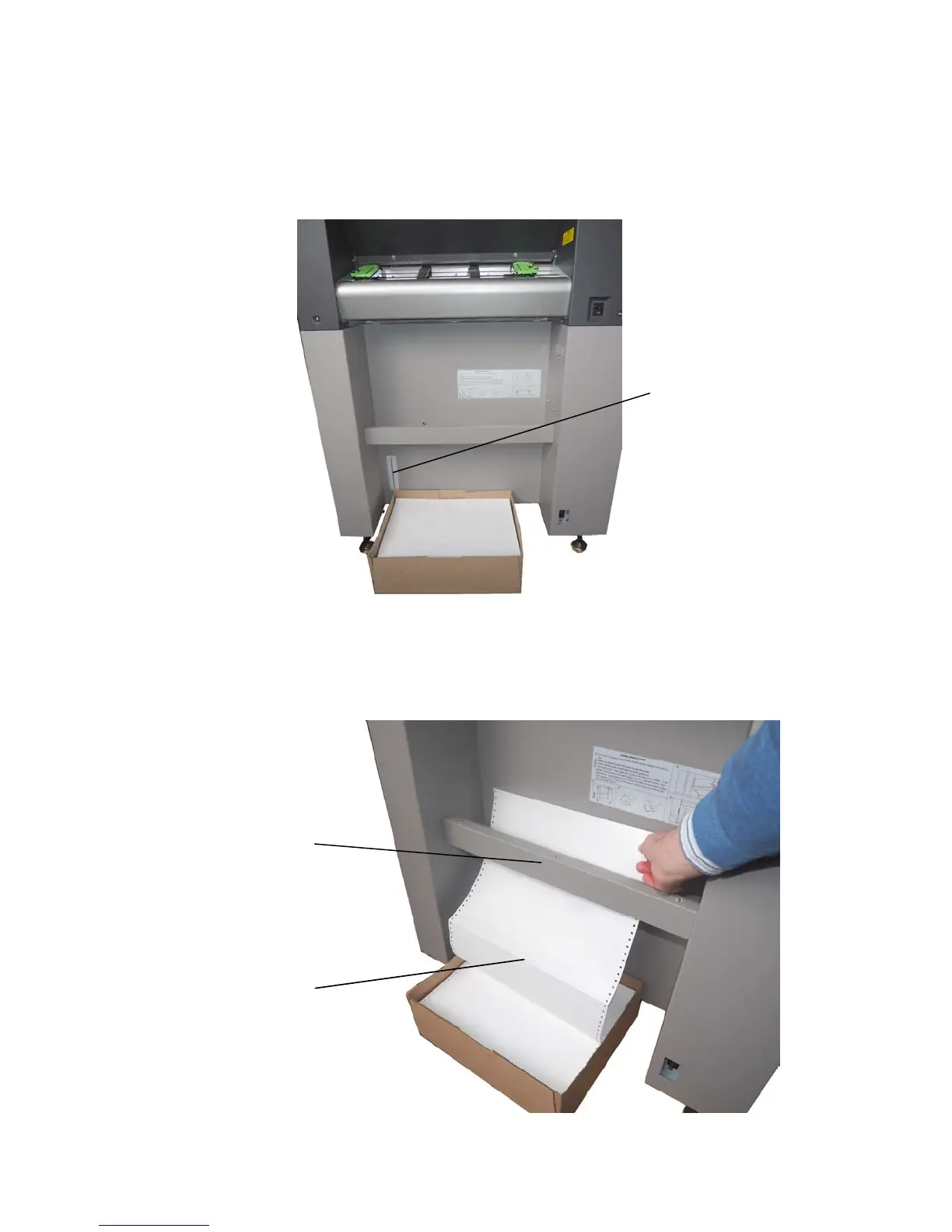
3. Place the box containing the fanfold paper below the tractor
unit as shown below.
4. Pass the fanfold paper through the sensor guide (Paper
Near End Sensor PNES).
Mark for the left
paper margin
Folded edge of
the
paper
Guide with
paper sensor



 To Next Page