20 Handling of Consumables
_______________________________________________________________________________________________
_______________________________________________________________________________________________
MICROPLEX Operator’s Manual SOLID F40 Edition 1.1
!
To avoid paper jams the first folded edge of the fanfold paper
(Perforation) has to point away from the printer. (If need be,
please tear off the first page of your fanfold paper to allow the
alignment shown in the figure above.)
In addition do not stretch the paper excessively and do not
allow any slack to avoid incorrect filing.
By this you can secure that the paper will be positioned right in
the stacker.
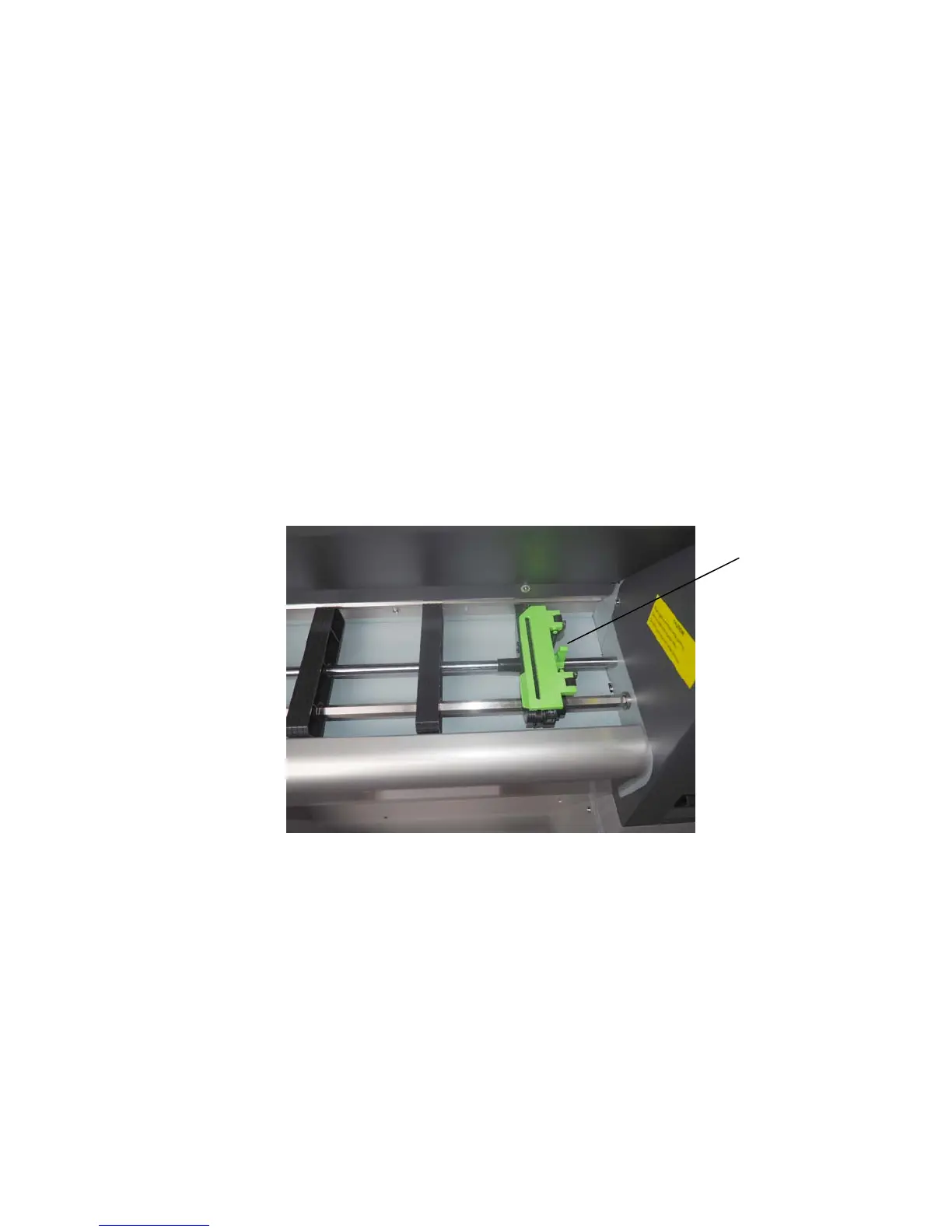
5. Please unlock the right tractor. For that you have to turn the
lever (tractor lock lever) of the right tractor
into the vertical position.
6. Open the two tractor cover plates by turning them into the
upright position.
Lock lever
of the right
tractor
""



 To Next Page