Handling of Consumables 23
_______________________________________________________________________________________________
_______________________________________________________________________________________________
MICROPLEX Operator’s Manual SOLID F40 Edition 1.1
11. Turn the printer ON LINE. The newly aligned paper
will be driven to the start position automatically.
12. If necessary adjust the printer to the new page length
(see section 5.9).
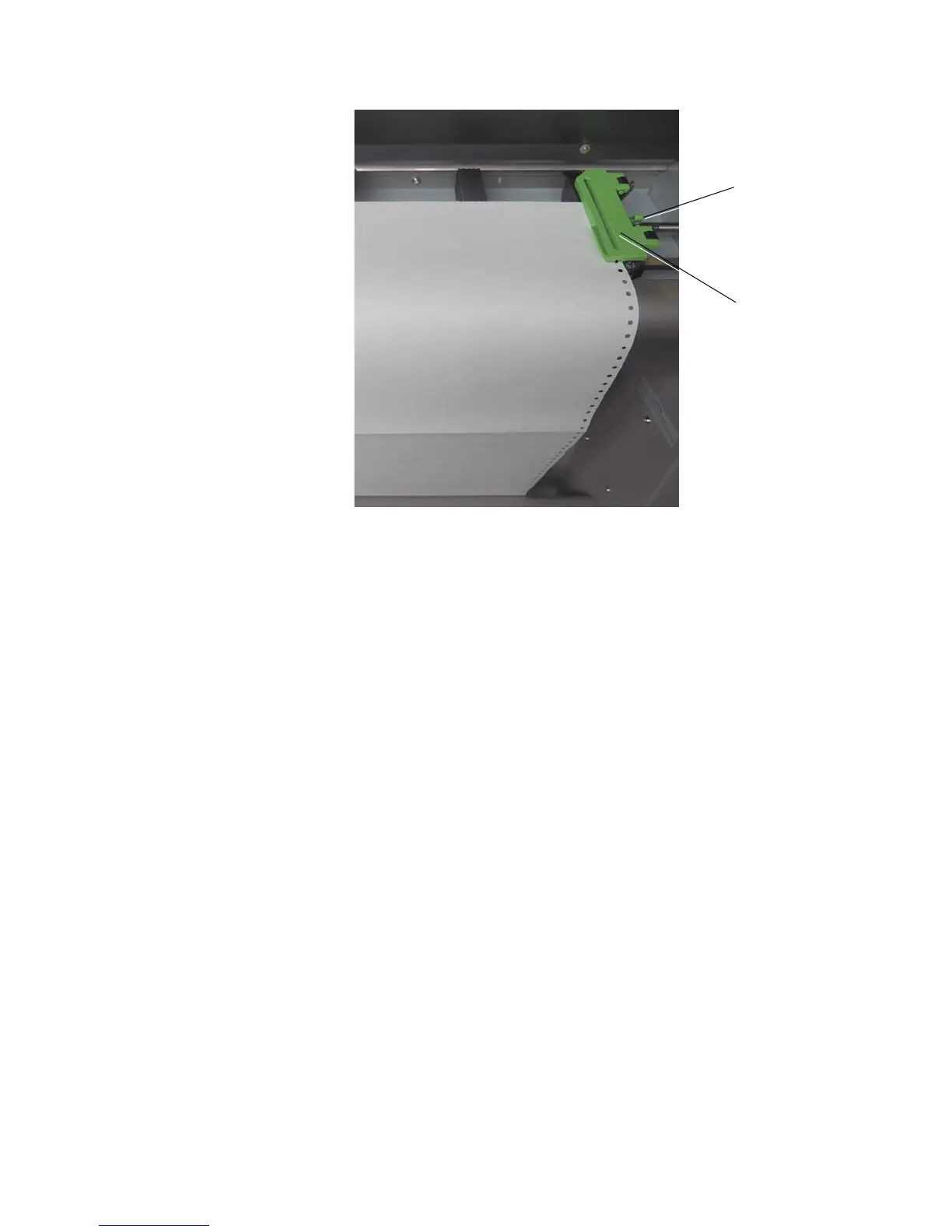
Tractor cover
plate
Lock lever
of the
tractor



 To Next Page