24 Handling of Consumables
_______________________________________________________________________________________________
_______________________________________________________________________________________________
MICROPLEX Operator’s Manual SOLID F40 Edition 1.1
3.2. Replacing the Toner Cartridge
Please replace the toner cartridge, when the message [TONER
EMPTY!] is displayed.
With one toner filling approximately 20,000 pages A4 with a
print density of 5 % can be printed (compare chapter 10
Specifications).
!
Please wear vinyl gloves to avoid dirty hands when
replacing the cartridge.
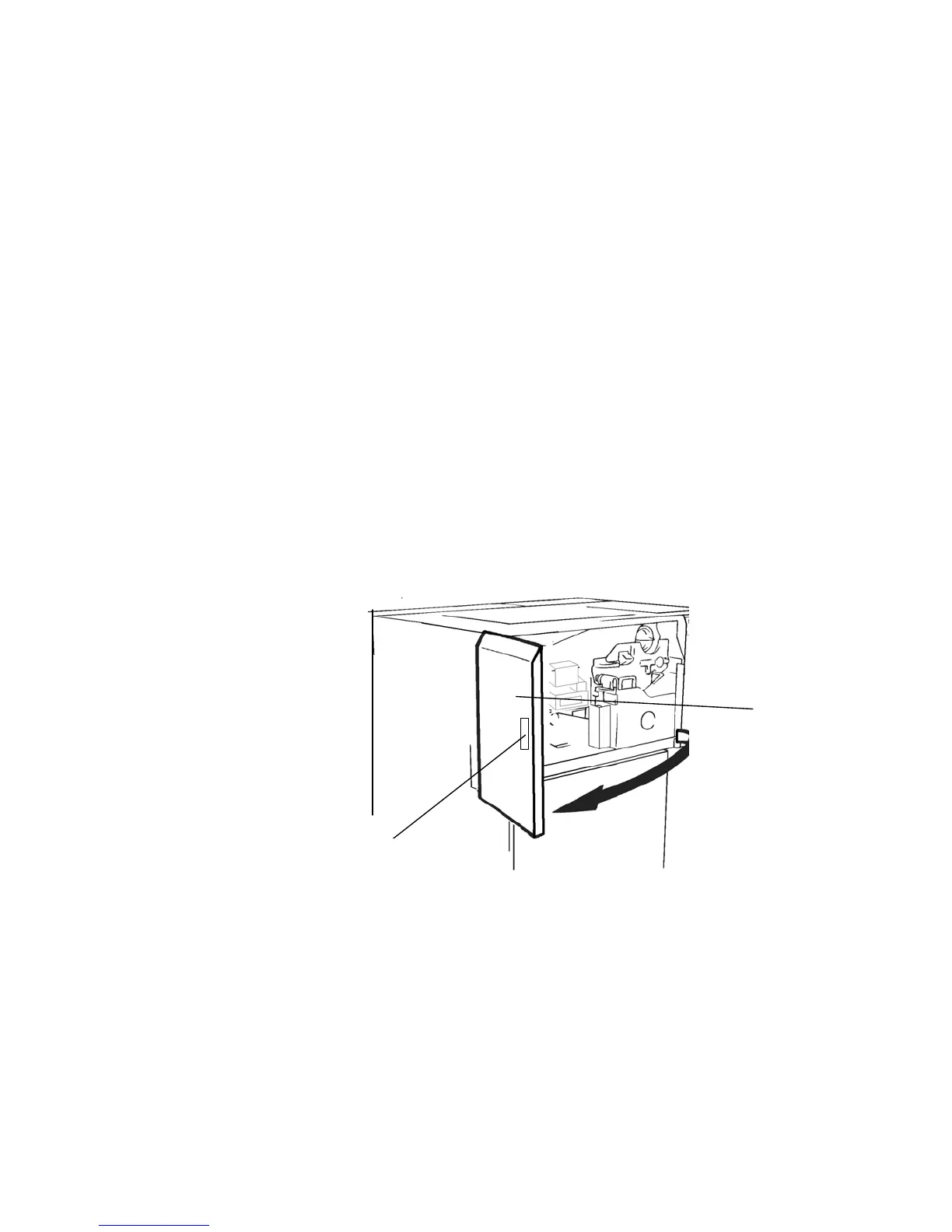
1. Open the front cover of the printer.
Handhold
Fron
cover



 To Next Page