32 Operation and Menu Structure
_______________________________________________________________________________________________
_______________________________________________________________________________________________
MICROPLEX Operator’s Manual SOLID F40 Edition 1.1
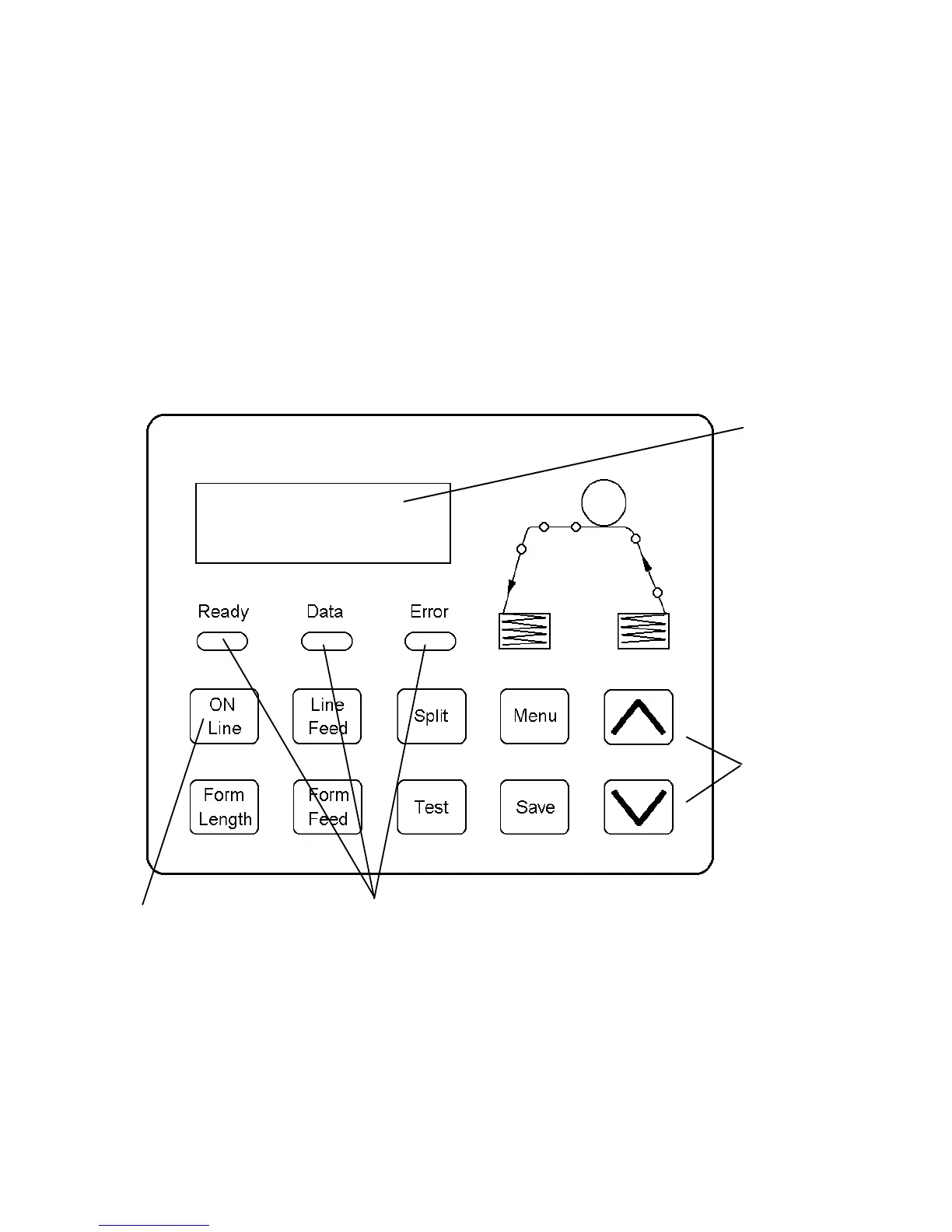
4.3. Control Panel View
The control panel offers you:
• information about the actual state of the device (panel and LEDs).
• direct command input using the keyboard.
ON LINE
SOLID F40
2 lines
of keys
LEDs
On / Off Line key
Display
(two-lined)



 To Next Page