56 Panel Functions
_______________________________________________________________________________________________
_______________________________________________________________________________________________
MICROPLEX Operator’s Manual SOLID F40 Edition 1.1
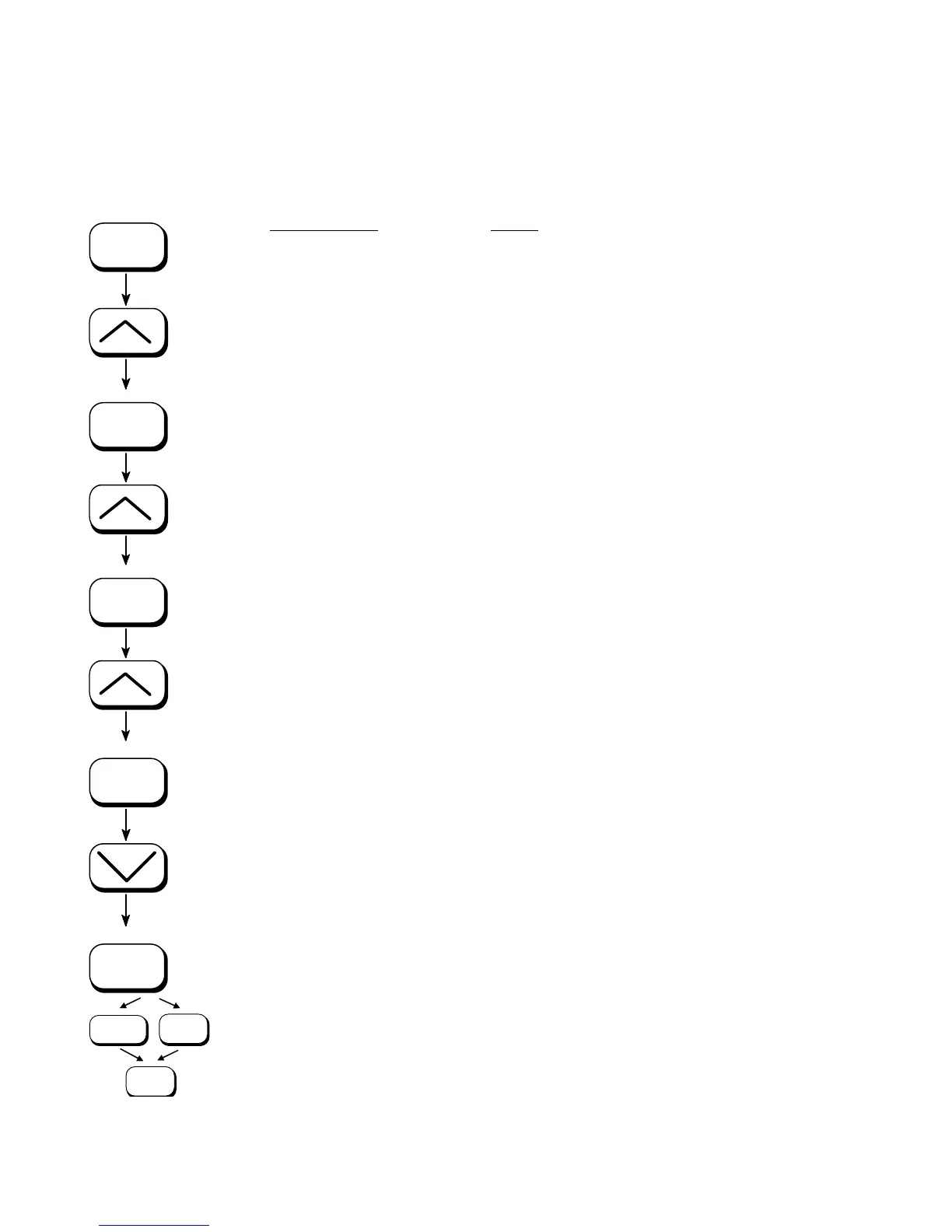
5.10. Selecting the Number of Printpages per Page Format (Two-Up Mode)
Activating this function determines the arrangement of several
printpages per page format (paper width resp. page length).
ON LINE
SAVE
SAVE
SAVE
SAVE
MENU
SAVE
ON LINE
Panel display
[SOLID F40 ]
[Menu Level 1 ]
) ) )
[Paper Menu ]
[Stacker Select ]
) ) )
[Two-Up Mode ]
[Y-Direction ]
) ) )
[X-Direction ]
[X-Direction: OFF ]
) ) )
[X-Direction: 2 ]
[Save as Setup? ]
Notes
Turn the printer OFF LINE with this key.
Press one of the ARROW keys until
[Paper Menu ] is displayed.
Press the SAVE key to select the paper
menu.
Press one of the ARROW keys until
[Two-Up Mode
] is displayed.
Press the SAVE key to select the function
Two-up mode.
Press one of the ARROW keys to effect
the adjustment of the two-up mode to the
X-direction (cross to the print direction).
Press the SAVE key to set the two-up
mode.
By pressing the ARROW UP or DOWN
key the number of print pages cross to
the print direction can be altered. The
maximum number of print pages being
adjustable next to each other is 9.
Here the number of print pages per
format width was altered to 2.
In addition this new value can be saved
as setup value (using the SAVE key),
before the printer is turned ON LINE
again.



 To Next Page