86 Printer Cleaning
_______________________________________________________________________________________________
_______________________________________________________________________________________________
MICROPLEX Operator’s Manual SOLID F40 Edition 1.1
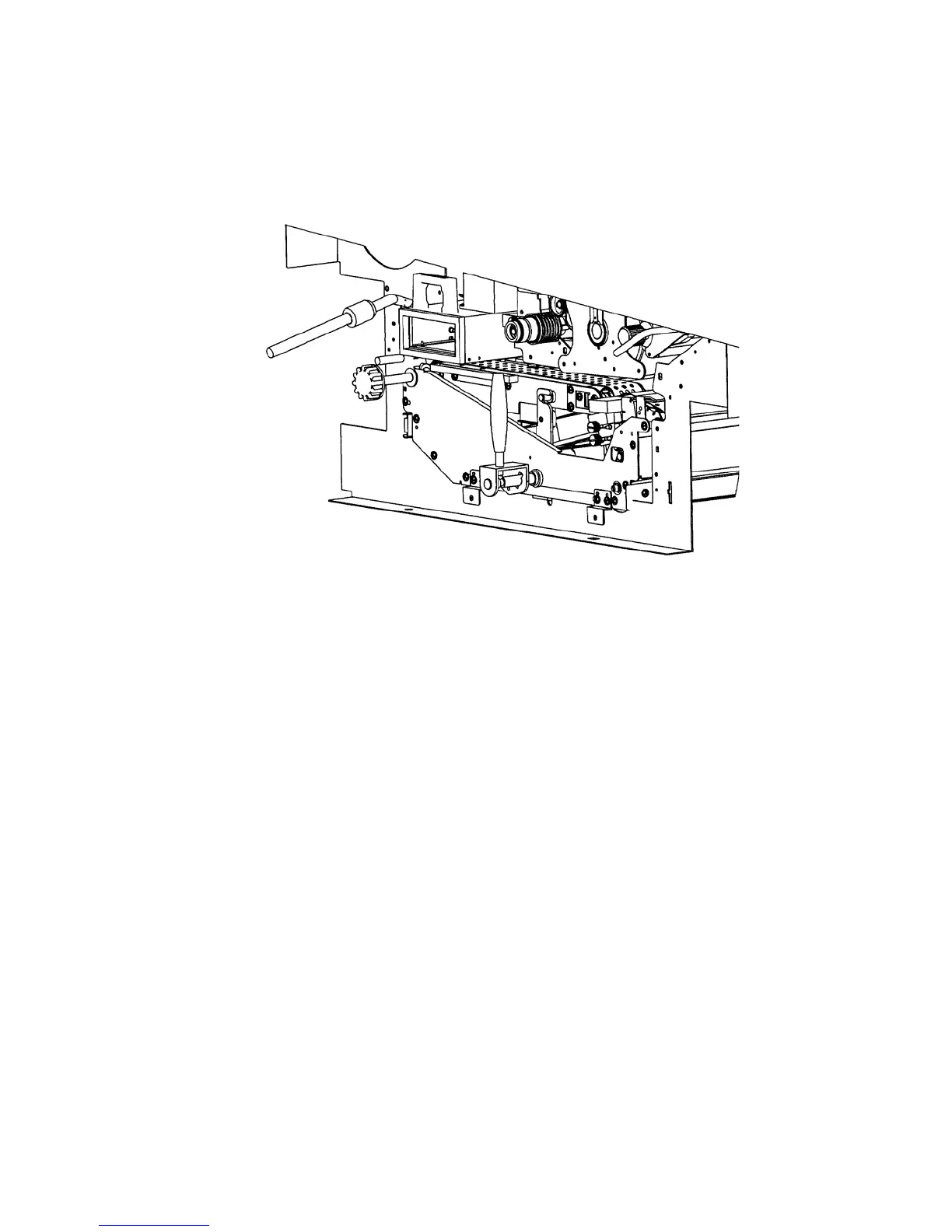
7. Also vacuum the fuser unit and the area around it.
!
8. Close the waste toner unit.
Make sure the bar has engaged.
9. Close the printer’s front cover.



 To Next Page