Printer Cleaning 85
_______________________________________________________________________________________________
_______________________________________________________________________________________________
MICROPLEX Operator’s Manual SOLID F40 Edition 1.1
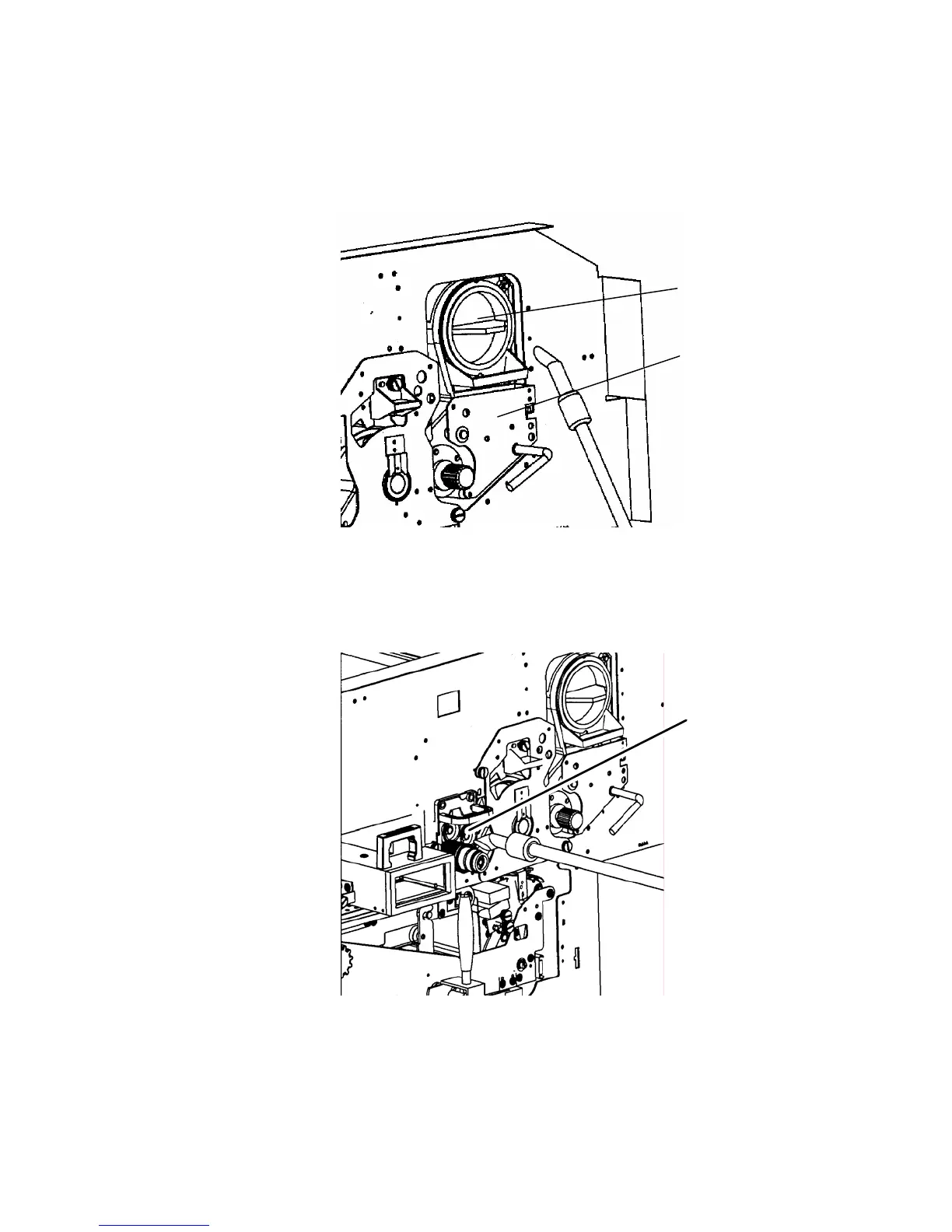
5. Using an anti-static service vacuum cleaner, pick up any dirt
on the developer unit or toner cartridge.
Toner car
ridg
Developer uni
6. Clean the drum cleaning unit and the elements around it in
the same way.
Drum cleaning
unit



 To Next Page