LVS-7510 Integrated System Installation and Quick Start Guide for Zebra Printers
LVS-7510 Integrated System Installation and Quick Start Guide for Zebra Printers Page 6 of 16
Step 2: Connect the Cables
Items Needed:
Computer
Zebra printer
Power supply
AC Line Cord
USB cable
Instructions:
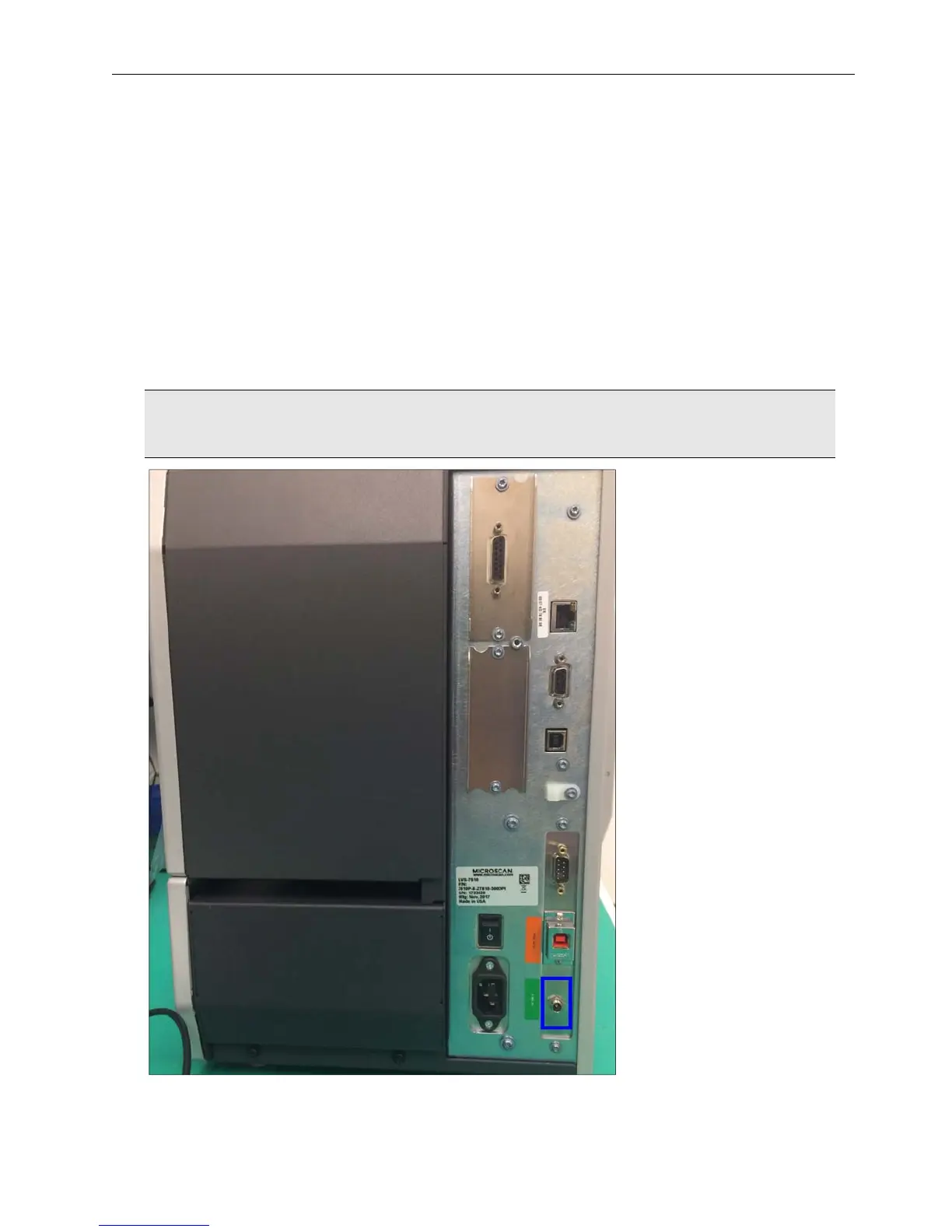
1. Connect the power supply cable to the back of the printer.
WARNING: Do not use the 24-volt power supply that is included in the light tower package. Using
the wrong power supply will result in system failure.


 To Next Page