Pairing your keyboard
1. When you rst remove the battery tab, the keyboard will go into
pairing mode.
Or, on the underside of the keyboard, press the Bluetooth
®
button
for more than 3 seconds.
The LED will ash while in pairing mode.
2. For PCs that support Swift Pair
1
, a notication will pop up in the
lower right corner saying that your keyboard has been found. Select
Connect.
Or, open the Windows 10 Start menu and select Settings > Devices >
Bluetooth & other devices > Add Bluetooth or other device >
Bluetooth.
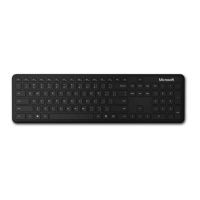
Select Microsoft Bluetooth
®
Keyboard.
Stay healthy
Important safety information for your keyboard, including information
about musculoskeletal disorders (MSDs), is available at
aka.ms/KeyboardSafety.
1
Swift Pair is available on Windows 10 with current updates. For information about how to
install current updates to Windows 10, visit aka.ms/updatewindows.
1-151811.indd 4 16.07.19 00:01




 To Next Page