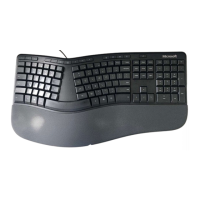
Microsoft Ergonomic Keyboard 2020 – Teardown
Contents
The Keyboard .......................................................................................................................................... 2
Introduction ........................................................................................................................................ 3
Tools needed for teardown ................................................................................................................ 3
Warnings ............................................................................................................................................. 3
Guide - To remove the keys (for cleaning up spills or full dis-assembly) ................................................ 4
Guide - To teardown the keyboard ......................................................................................................... 6
Step 1 Remove rubber feet ................................................................................................................. 6
Step 2 Remove screws from back ....................................................................................................... 6
Step 3 Remove the wrist padding ....................................................................................................... 7
Step 4 Remove screws under wrist pad and under keys .................................................................... 8
Remove the top panel ....................................................................................................................... 10
Reassembly ........................................................................................................................................... 10

 Need help?
 General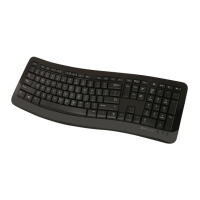



 To Next Page