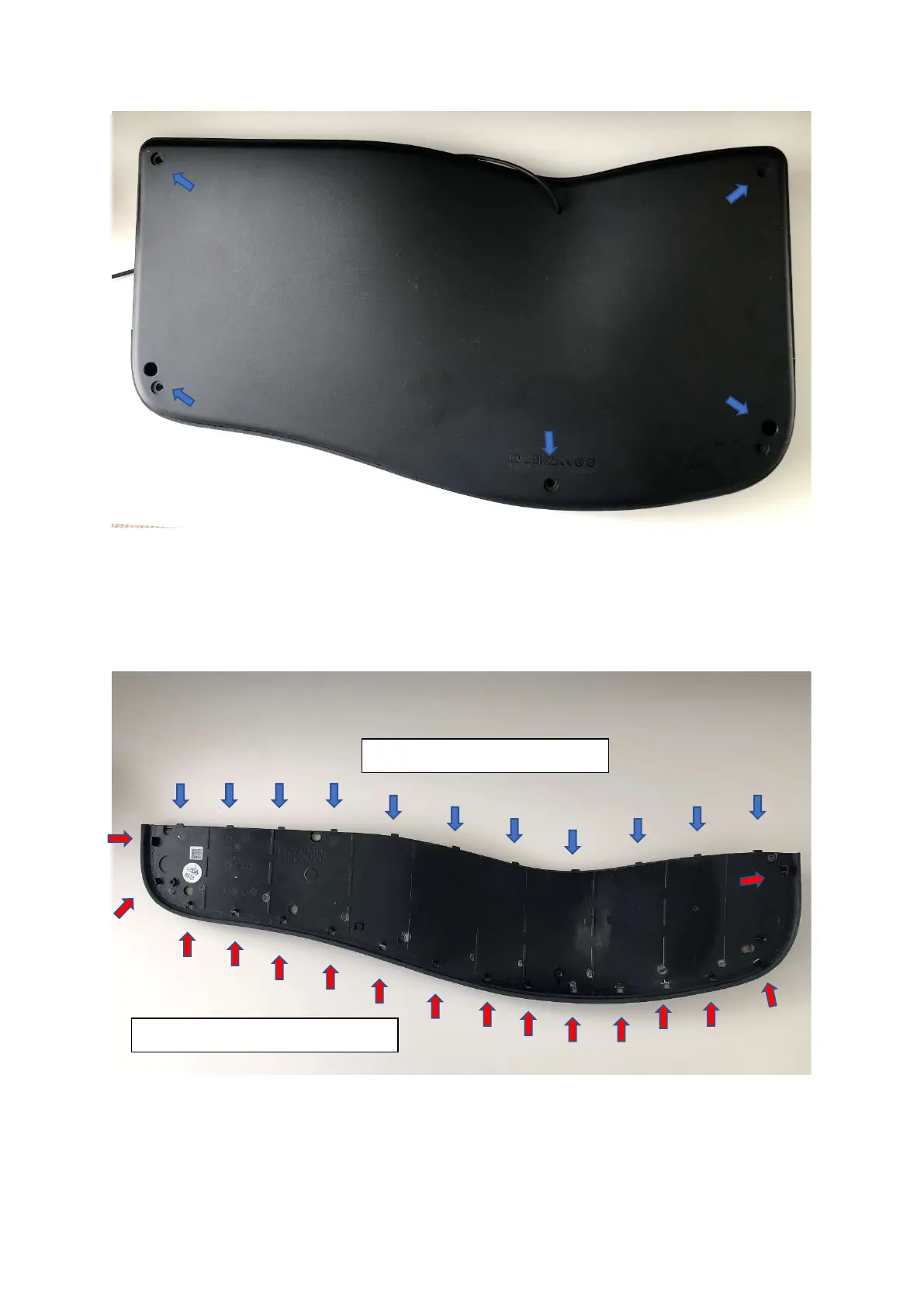
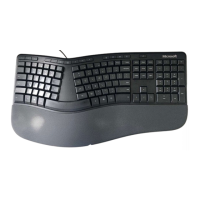
Step 3 Remove the wrist padding
(Note, previous step to remove the screws from the back of the keyboard must be done first).
Removing the pad is moderately difficult and needs quite a bit of force as the pad is held down by a
lot of tight clips and you may end up breaking a few. The panel slides in from the top using nubs and
the clips are all along the bottom that need to be forced out.
Closup photos below:
The top nubs slide into grooves
Plastic clips all along the bottom




 To Next Page