English
Swift Pair
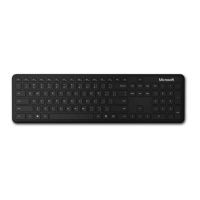
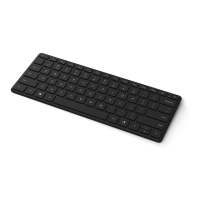
When you Àrst turn on the keyboard, it will go into pairing
mode. For PCs that support Swift Pair
1
, a notiÀcation will pop
up in the lower right corner saying that your keyboard has
been found. Select Connect.
Pairing manually
1
Press and hold the pair key for 3 seconds. The light will
blink when it’s ready to pair.
2
Open the Windows 10 Start menu, then select Settings >
Devices > Bluetooth & other devices > Add Bluetooth
or other device > Bluetooth.
Select Designer Compact Keyboard.
PC Accessories Atmes, 4 Language QSG Template_BKT.indd 4 19.06.20 01:14



 To Next Page