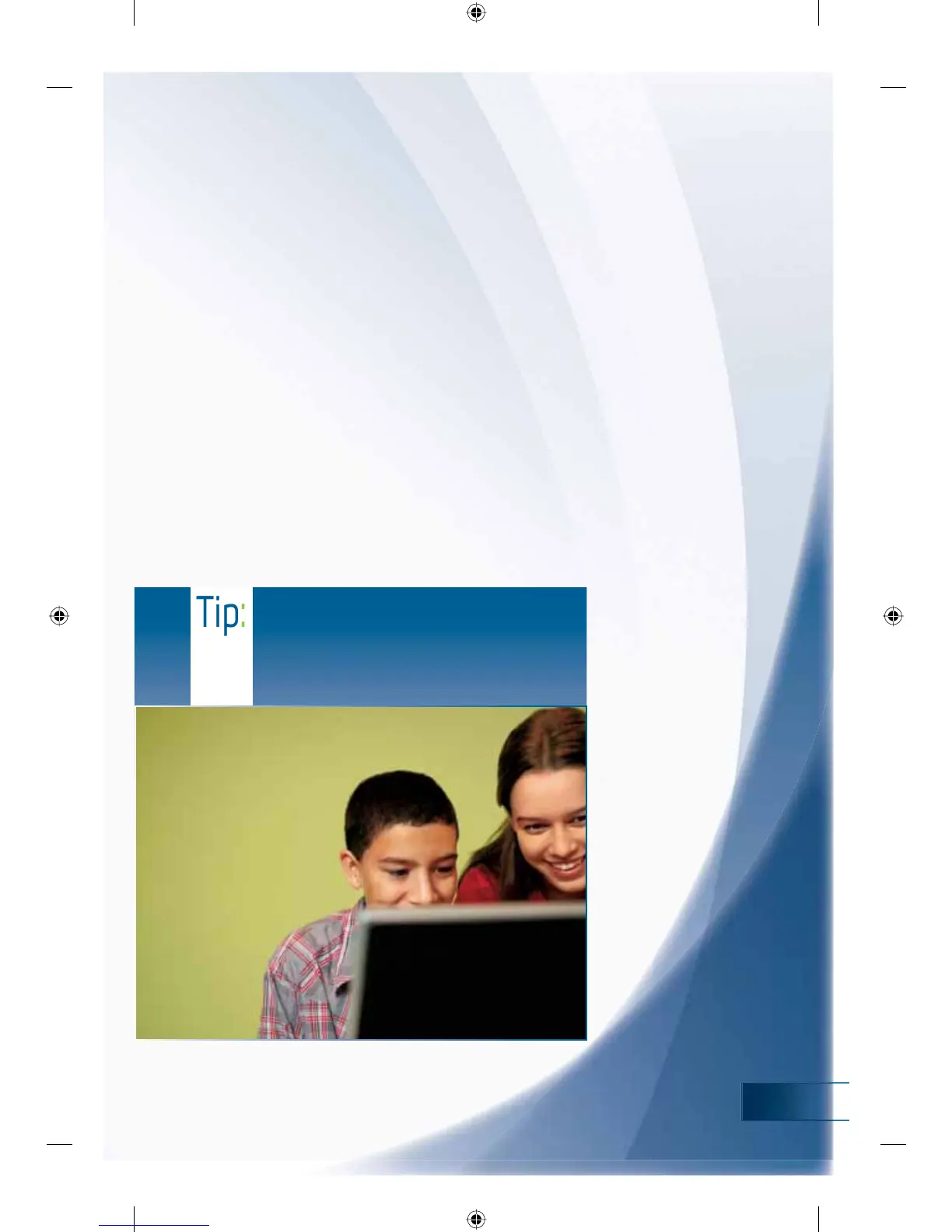
Tip:
Teach your children that they should
immediately tell you if anyone online makes
them feel uncomfortable and can do so
without fear of getting into trouble or losing
video game playing privileges.
Time Limits
3DUHQWVFDQDOVRKHOSSUHYHQWFKLOGUHQIURPXVLQJWKHFRPSXWHUDWVSHFLĵF
WLPHVE\VLPSO\DFFHVVLQJWKHģ7LPH/LPLWVĤIXQFWLRQ8VLQJDQHDV\WR
understand schedule, parents can set when the computer can be used and for
KRZORQJ&KLOGUHQUHFHLYHDQRWLĵFDWLRQPHVVDJHWKDWWKHLUVHVVLRQLVDERXWWR
H[SLUHZKLFKDOORZVWKHPWRVDYHWKHLUZRUNVRQRGDWDLVORVW
Finally, parents can also review activity reports to monitor what their children
DUHVHHLQJDQGGRLQJDQGWRUHĵQHWKHXVHRI3DUHQWDO&RQWUROV7KLVLV
accomplished by viewing the “Activity Viewer” in the “User Controls” section
RI3DUHQWDO&RQWUROV
When considering a new game, be sure to look for the Games for Windows
EUDQGRQWKHER[7KLVPHDQVWKDWWKHJDPHGHOLYHUVWKHKLJKHVWTXDOLW\
JDPLQJH[SHULHQFHSRVVLEOHRQD:LQGRZV9LVWDEDVHG3&*DPHVIHDWXULQJ
the Games for Windows branding take advantage of the new gaming features
LQ:LQGRZV9LVWDLQFOXGLQJIXOOVXSSRUWRI)DPLO\6HWWLQJV
<RXFDQEHVXUHWKDW\RXUJDPHZLOOWDNHDGYDQWDJHRIQHZ)DPLO\6HWWLQJVLQ
:LQGRZV9LVWDZKHQLWEHDUVWKH*DPHVIRU:LQGRZVEUDQG
MS_FamilySettingsBooklet.indd 19 11/2/2007 4:37:29 PM












 To Next Page