Overview
Microsoft
®
is committed to helping provide a safe and secure environment
ZKHUHHYHU\RQHFDQHQMR\WKHIXOOEHQHĵWVRIYLGHRJDPHVDQGHQWHUWDLQPHQW
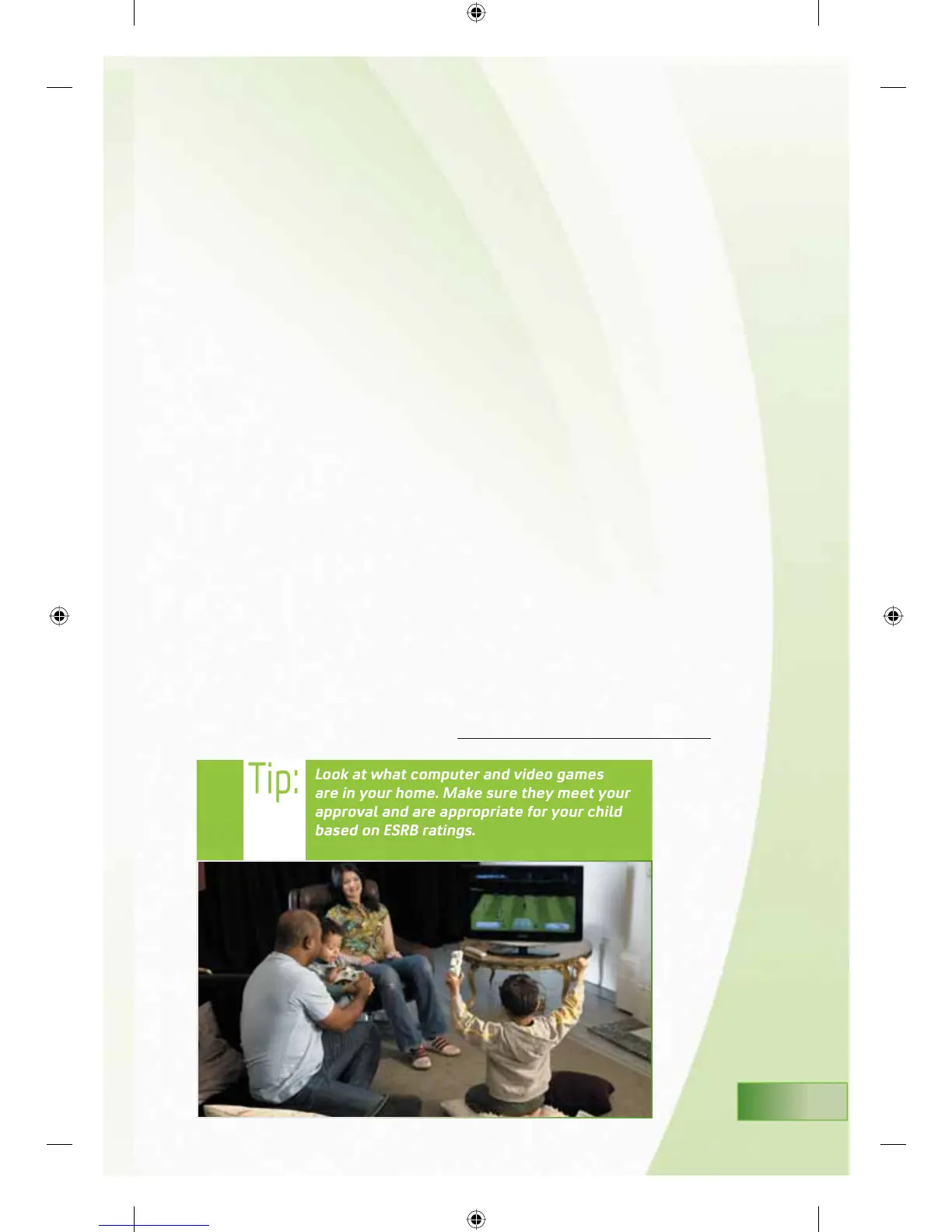
Our goal is to help parents and caregivers with simple and straight-forward
information to help them make the right decisions for their family around
LQWHUDFWLYHHQWHUWDLQPHQW
As a continuation of our commitment to families, we are providing this
brochure to give you more information about the world of computer and video
JDPHV)RUWKRVHRI\RXZKRKDYHMXVWSXUFKDVHGDQ;ER[
®
, this Family
Guide helps explain Parental Controls, called “Family Settings” for use on your
;ER[FRQVROH:HġOODOVRJLYH\RXWLSVRQVHWWLQJXS\RXUIDPLO\ġVDFFRXQWV
RQ;ER[/,9(0LFURVRIWġVJOREDORQOLQHJDPHVDQGHQWHUWDLQPHQWQHWZRUN)RU
WKRVHSOD\LQJJDPHVRQWKHLU3&ZHġOOKHOSH[SODLQ)DPLO\6HWWLQJVRQ\RXU
:LQGRZV9LVWDRSHUDWLQJV\VWHP
A PACT FOR FAMILIES
We have created a way in which adults and children together can set
guidelines for media use—whether playing video games, watching TV and
YLGHRVDQGXVLQJWKH,QWHUQHWĞULJKWIURPWKHVWDUW,WġVFDOOHGWKH3$&7DQG
\RXġOOOHDUQKRZWRPDNHD3$&7ZLWK\RXUIDPLO\RQSDJHRIWKLVJXLGH
It is our hope that you will use this information, share it with your children
DQGSDVVLWDORQJWRRWKHUVZKRPD\EHQHĵWIURPLW
All of this information and more to help families make the choices that are
right for their children is available at www.xbox.com/isyourfamilyset
MS_FamilySettingsBooklet.indd 3 11/2/2007 4:33:18 PM













 To Next Page