Set up your phone
1. To switch your phone on, press and hold the
power key, and follow the instructions shown on
your phone.
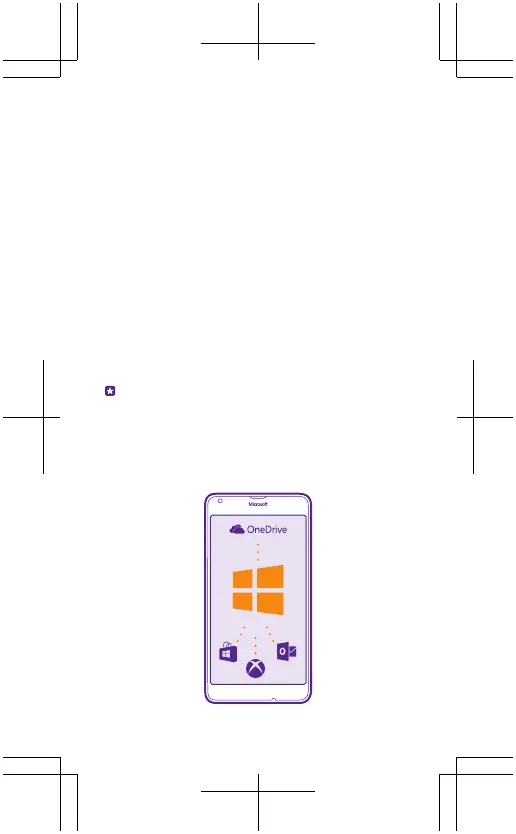
2. When asked, create your Microsoft account if you
don’t have one already, or sign in with your existing
Xbox, Hotmail, or Outlook username and password.
Make sure you remember the credentials for the
Microsoft account you added to your phone.
You need a Microsoft account to back up and
restore your phone, to buy, install, and update apps,
and to access some Microsoft services, such as
OneDrive.
Allow some minutes while your phone installs all its
features.
Tip: If your screen switches off, press the power
key, and drag the lock screen up.









 To Next Page