© 2013 Microsoft Page 27
Type Cover
Type Cover is a slim version of a traditional keyboard with moving keys. It gives you the speed and feel of a laptop
keyboard, coupled with portability.
Just like the Touch Cover keyboard, Type Cover magnetically clicks into place and doubles as a cover for your
Surface. Type Cover lets you go from tablet to laptop in an instant.
Trackpad
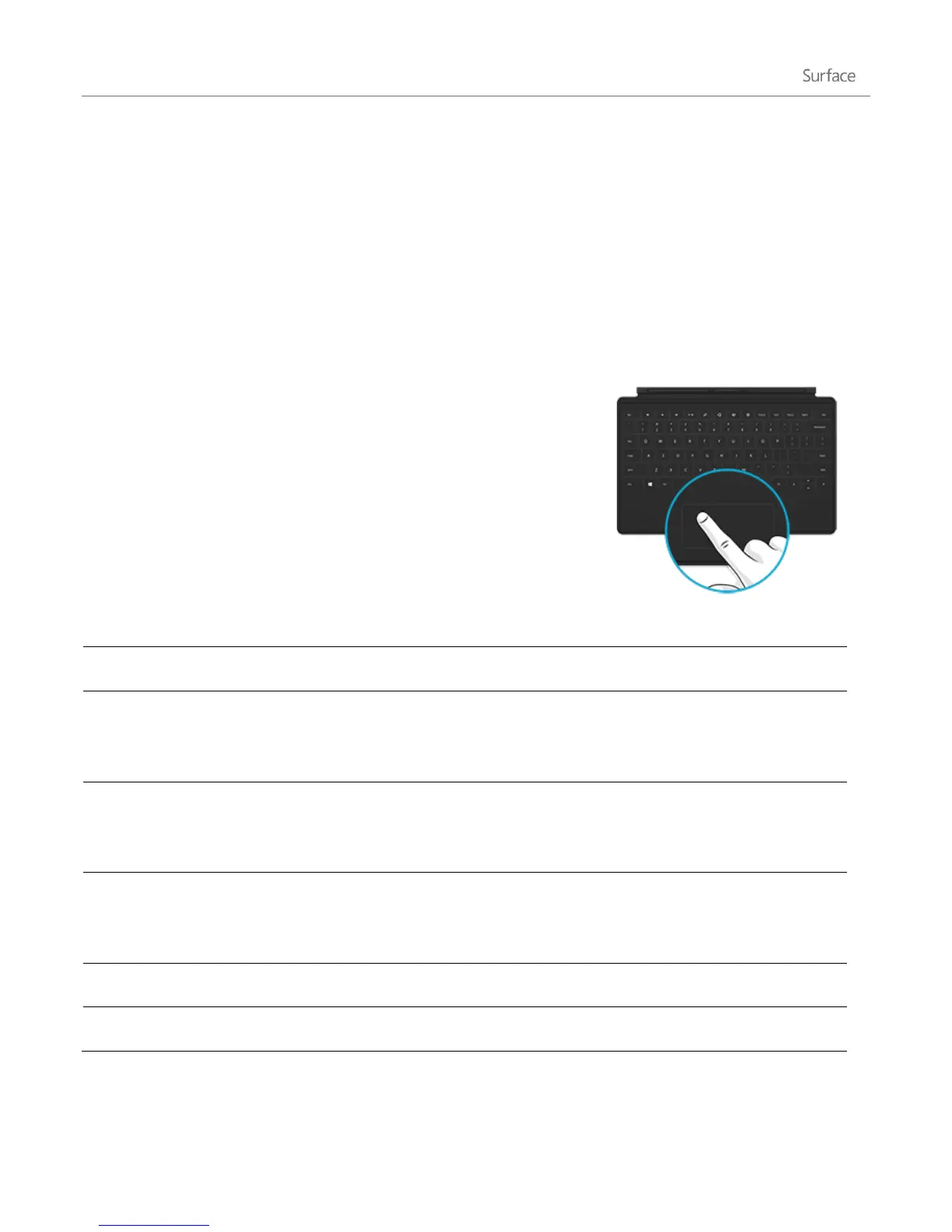
The Surface keyboards, Touch Cover and Type Cover, include a trackpad
that you can use like a mouse. Just like a laptop, you can drag your finger
on the trackpad to move the on-screen pointer.
Trackpad gestures
Move the on-screen pointer
Drag your finger on the trackpad.
Tap one finger anywhere on the trackpad.
-or-
Press the left trackpad button.
Tap two fingers anywhere on the trackpad.
-or-
Press the right trackpad button.
Hold the left trackpad button down and then slide a finger in any direction.
-or-
Tap, then tap and slide one finger in any direction.
Slide two fingers horizontally or vertically.
Tap two fingers anywhere on the trackpad.












 To Next Page