© 2013 Microsoft Page 32
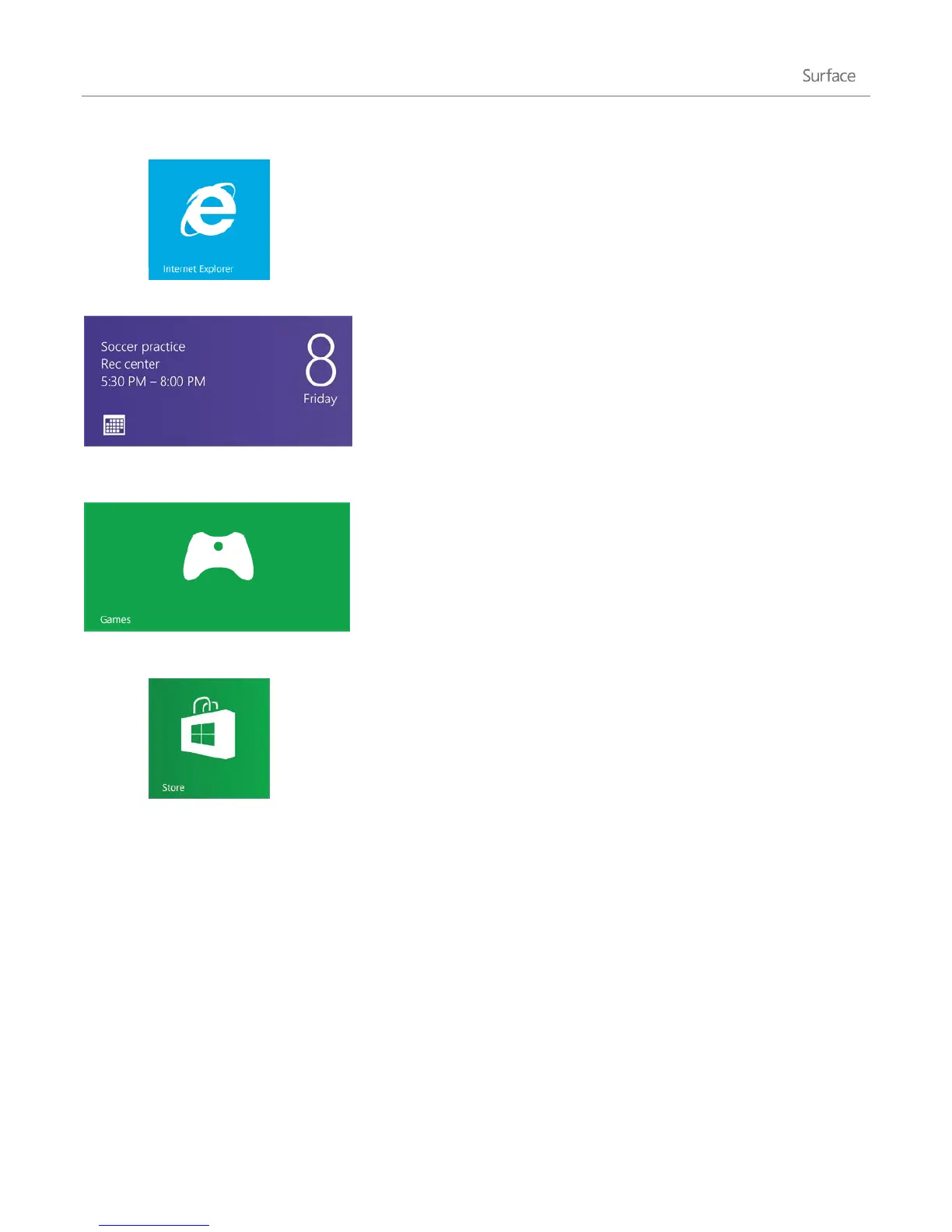
Internet Explorer
Surface comes with two versions of Internet Explorer: a modern,
touch-friendly version and a desktop version. This way you can easily
surf the web from the Start screen or the desktop. For more info, see
Browse the web with Internet Explorer on Surface.com.
Calendar
The Calendar app brings all your calendars together so that you can
stay on top of your schedule and make the most of your free time.
Reminders and notifications remind you about events and
appointments so that you don't miss a thing. For more info, see the
topic Calendar app on Windows.com.
Games
Discover and download new games, edit your profile, and see how
you stack up against your friends. For more info, see Play games on
Surface.com.
Store
There are also tons more apps in the Windows Store. To load up on
apps, see Install and uninstall apps in this guide.
App commands–where are they?
After you open an app, you might wonder how you can change things in the app. App commands in Windows 8
stay out of sight until you need them, so you can use the whole screen for what you’re doing. When you need app
commands, they appear at the top and bottom of your screen.












 To Next Page