© 2013 Microsoft Page 2
How does Windows RT differ from Windows 8 Pro?
Here are some key differences:
Works exclusively with apps from the
Windows Store.
Runs apps from the Windows Store and
programs you used with Windows 7.
Office Home & Student 2013 RT
Preview (Word, Excel, PowerPoint,
OneNote) is pre-installed.
Office 2013 isn’t pre-installed, but you can
run all programs, including Outlook.
Office 2013 is sold separately.
You can’t join a network domain.
You can join a network domain.
Surface accessories
Keyboards
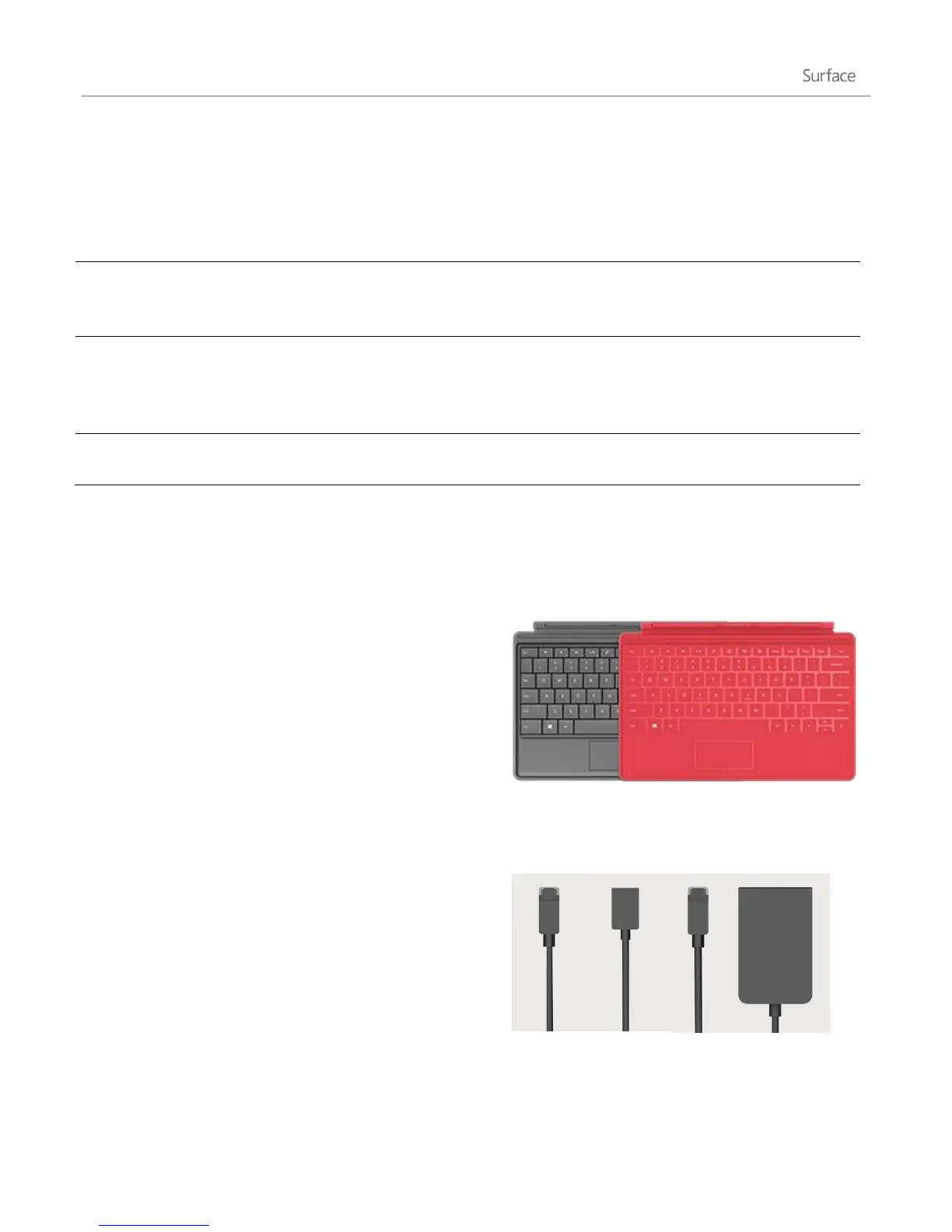
Add a unique click-in keyboard that doubles as a cover.
There are two types to choose from (sold separately):
Touch Cover is a super-thin, pressure sensitive
keyboard and trackpad available in several colors.
3
Type Cover is a slim version of a traditional laptop
keyboard with moving keys.
3
Colors vary by market.
Video adapters
Surface video adapters let you connect your Surface to an
HDTV, monitor, or projector (adapters sold separately).












 To Next Page