
 Need help?
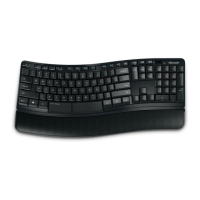
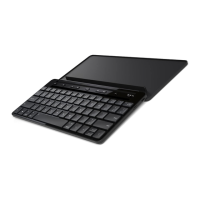
Do you have a question about the Microsoft T9T-00001 and is the answer not in the manual?
Install two AAA alkaline batteries and slide the power switch to the ON position.
Steps to connect the keyboard to your computer, including OS-specific instructions and Bluetooth pairing.
Download software to access all the features of your new device after successful connection.
 General
| Model | T9T-00001 |
|---|---|
| Category | Keyboard |
| Type | Wireless |
| Connectivity | Wireless |
| Connectivity Technology | Bluetooth |
| Wireless Technology | Bluetooth |
| Layout | QWERTY |
| Color | Black |
| Pointing Device | No |
| Hot Keys Function | Yes |
| Keyboard Layout | QWERTY |
| Compatibility | Windows, Android, iOS |


 To Next Page