- 12 -
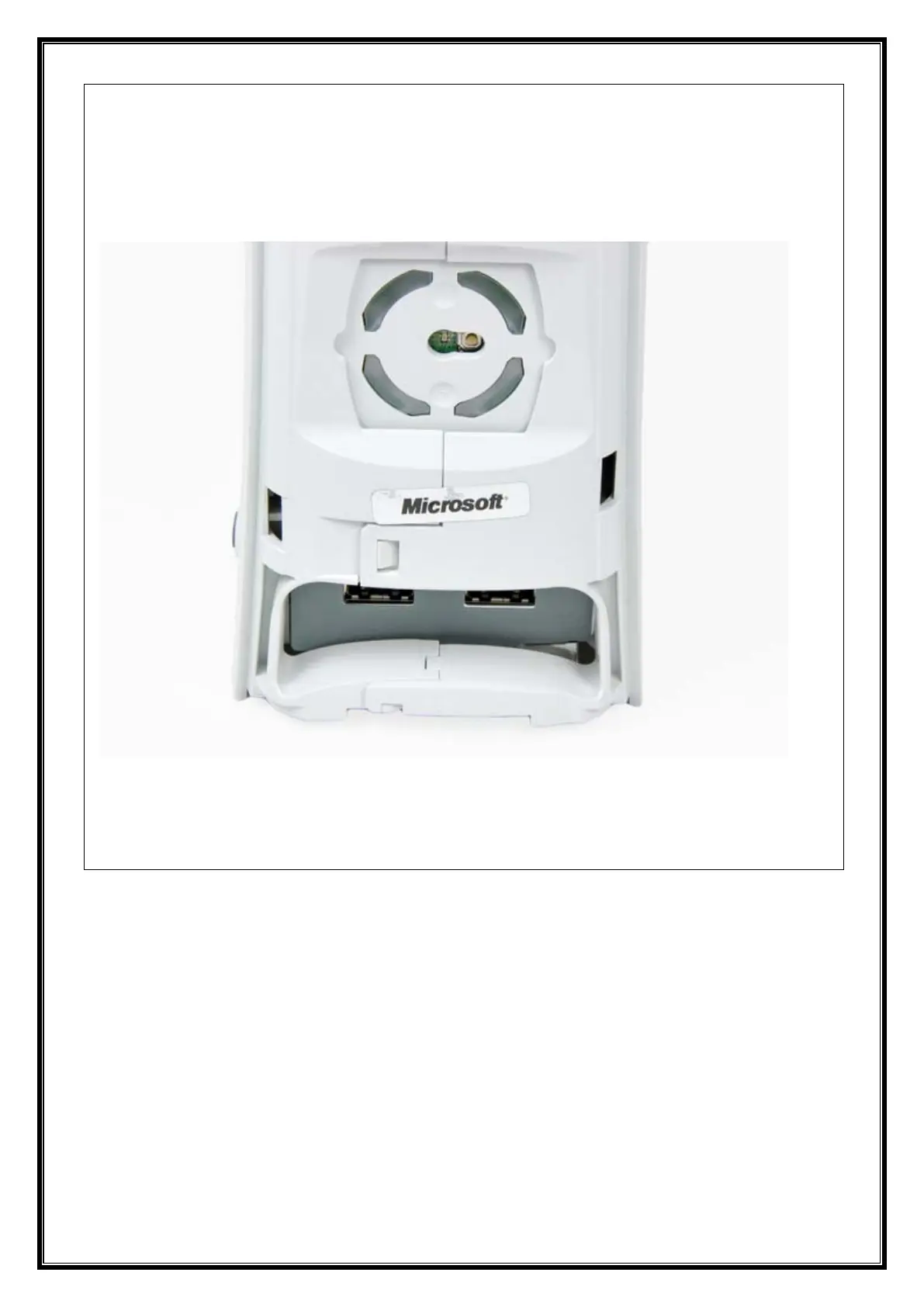
• The last clip is hidden underneath the rubber foot nearest the back of the console.
• Use the tip of your spudger to release the clip on the top vent nearest the back of the
Xbox.
• Remove the top vent from the 360.
• To continue, you must peel the warranty sticker off the console. Be aware that this will
void your console's warranty agreement with Microsoft. Proceed at your own risk.
• Carefully peel the warranty sticker off the console.


















 To Next Page