Page 53 of 87
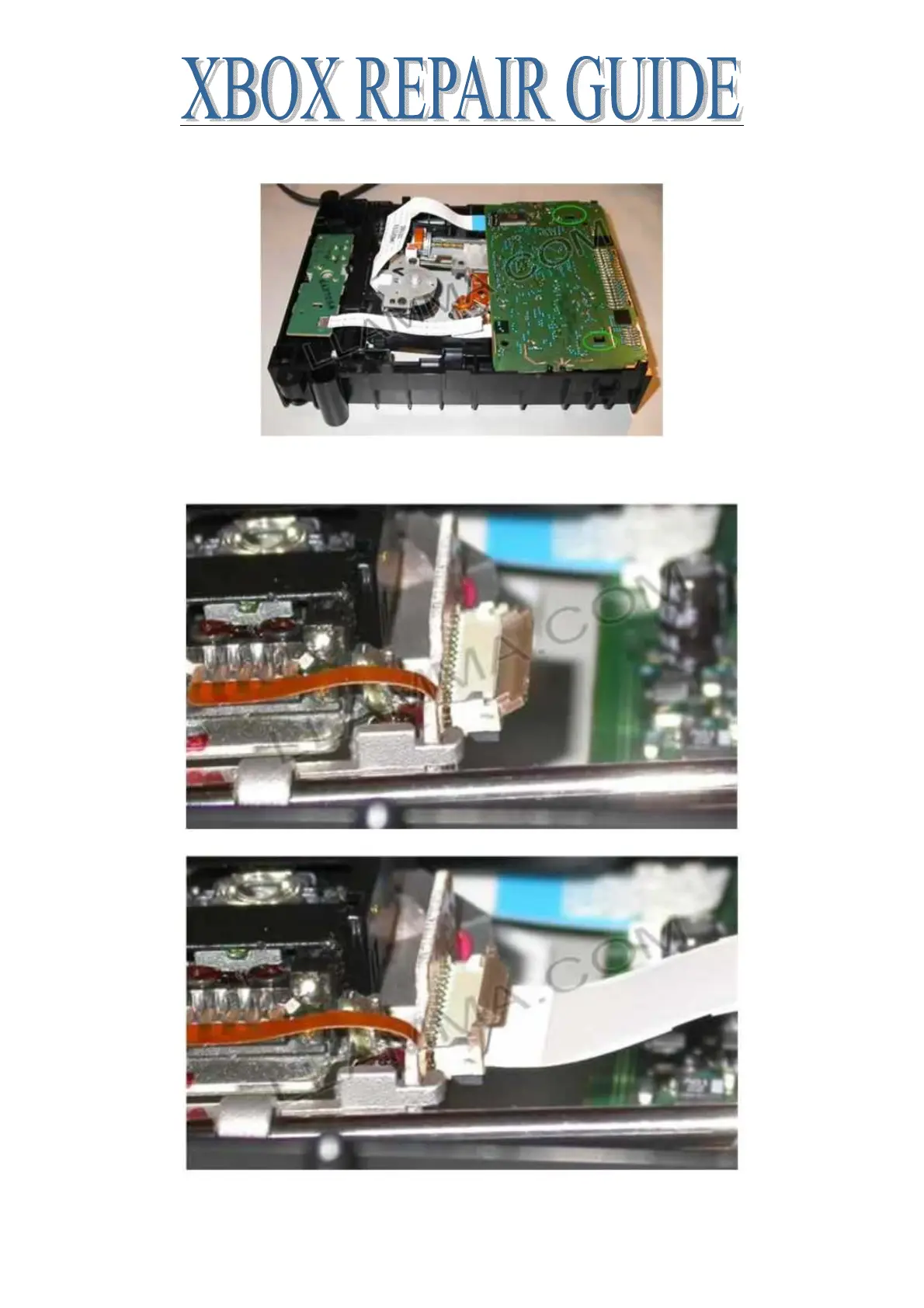
The PCB is held in place by two back plastic clips circled below, press the board into place
Flip the drive into the upright position. On the top, install the ribbon cable that attaches to the
laser. Note the position of the brown clip
Once the ribbon cable is installed snap the brown clip into the locked position as shown below
Put the top and bottom covers back on and you’re done














 To Next Page