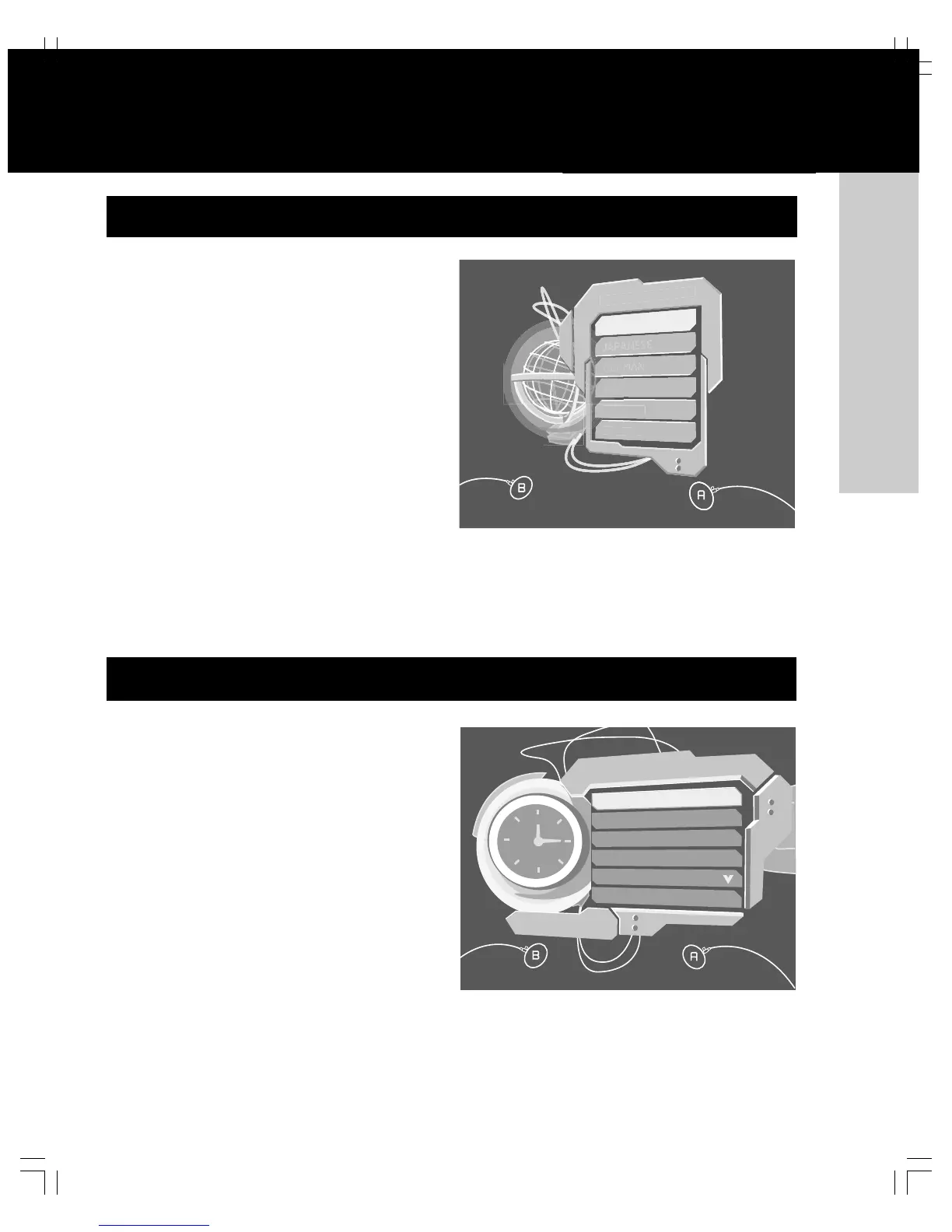
The first time you turn on your Xbox video game system, please
set the default language and the clock before playing a game or
audio CD. Once these settings are specified, you don’t have to
set them again if you leave the Xbox console connected to power.
To move the selection focus on the screen, press the direc-
tional pad of the Xbox Controller. To select, press A. To cancel,
press B.
In addition to the initial language and clock settings, you can
specify other settings for the Xbox video game system. To
choose settings for your system, turn on the Xbox video game
system without a disc in the disc tray.
To choose audio or video settings
1. Select Settings, and then select Audio or Video.
2. Select appropriate options for your system.
You can configure the Xbox console to automatically turn off
if left unattended for six hours.
To choose Auto Off
1. Select Settings, and then select Auto Off.
2. Select Yes to let the Xbox console turn off automati-
cally, or No (the default).














 To Next Page