Soundtracks
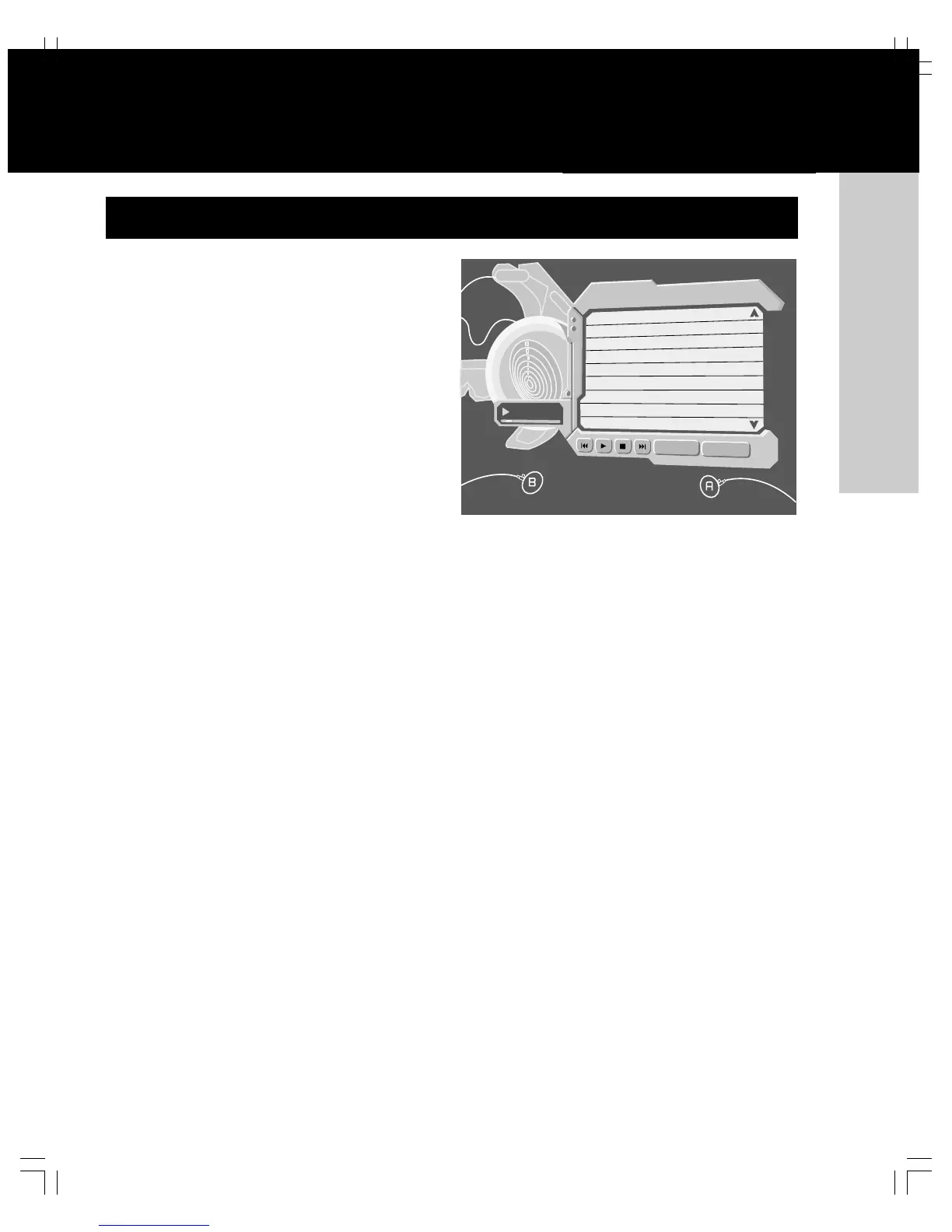
Xbox lets you arrange tracks from audio CDs into soundtracks
and play them from the Xbox video game system without in-
serting the original CD audio disc. You can play your
soundtracks while playing Xbox games.
To copy tracks
1. Play an audio CD.
2. Select Back from the music player.
3. Select Copy to display tracks.
4. Select the tracks you want to include in your arrangement.
You can select one track, multiple tracks or all tracks.
5. Select Copy to begin copying the tracks.
6. Select an existing soundtrack, or create a new
soundtrack to store the copied tracks. If you create a
new soundtrack, enter a name using the virtual
keyboard.
To play soundtracks
1. Turn on the Xbox console with no disc in the
disc tray.
2. Select Music, and then select a soundtrack rather
than Audio CD.
3. Select Play to begin playing.
Some games support playing soundtracks during play. For more
information, see your game manual.
Caution Audio CDs may be protected by copyright. You may
not copy, reproduce, distribute, publicly perform, publicly dis-
play, modify or create derivative works of audio CDs unless
authorized by the copyright owner.














 To Next Page