6
20160412
USER MANUAL
Battery type
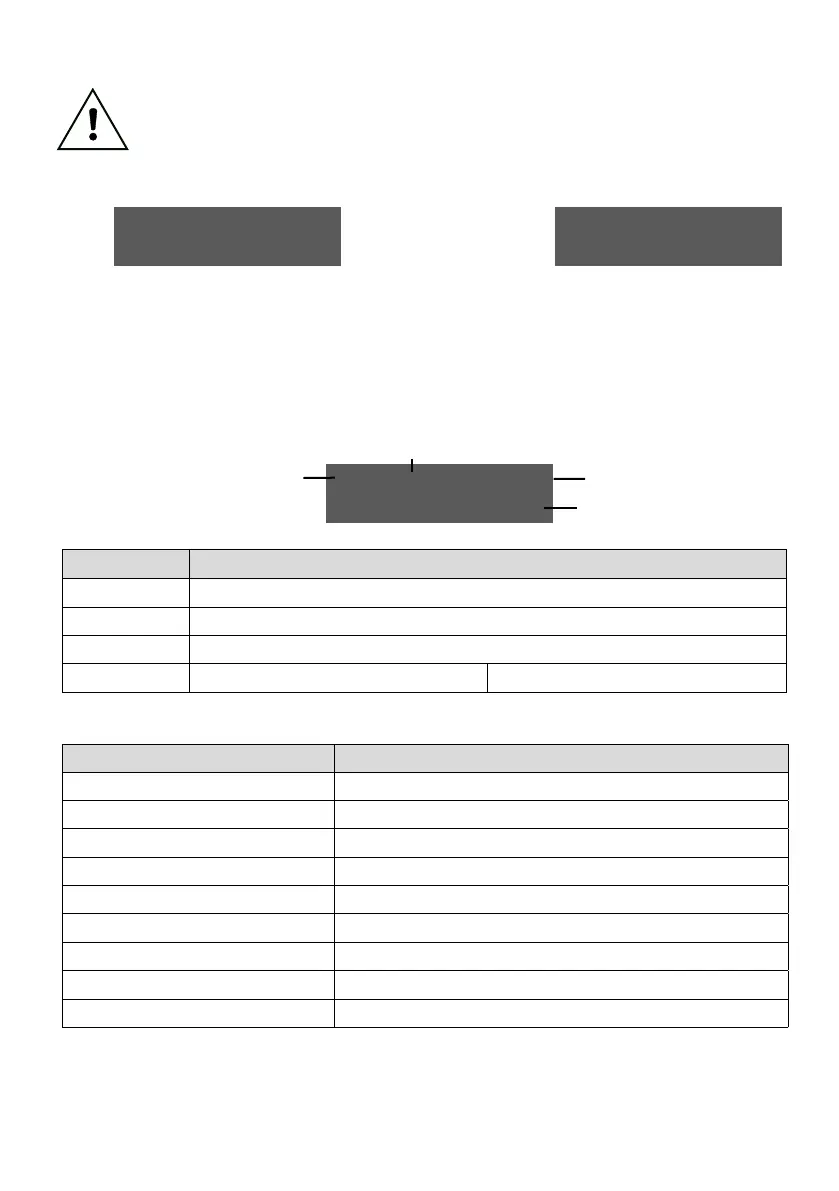
Program phase screenshoot:
PROGRAMMING
MOD. USER
Enter USER MODE by pressing the DOWN button for 3 seconds, then input the password UP/DOWN/UP/DOWN/UP.
(Connect the charger to the grid and to the battery)
EDIT PASSWORD
Choose the parameter to be modified by the UP and DOWN buttons, then press ENTER for 2 seconds. When the value starts blinking, it can be
edited by the UP and DOWN buttons. To store the new value, press ENTER for 2 seconds, i.e. until the value stops blinking and the cursor disappears.
To exit the USER mode press UP and DOWN buttons at the same time.
1
2
3
Parameter Default value
BATTERY VOLTAGE Read-only. This value identifies the set of parameters being shown, valid for the specific battery type
BATTERY TYPE FL/VR
CAPACITY Depends on model: maximum capacity charged in 8 h by the battery charger
CHARGE TIME 7-8H 10-12H
24V FL C=xxxAh
H xx-xx TIME
Battery voltage
Capacity
Charge time
Parameter Default (voltage-driven mode)
GASSING VOLTAGE 2.40 V
MAX VOLTAGE 2.70 V
MAX TEMPERATURE DISABLED
EQUALIZATION INTENSITY 12 h
DATE AND TIME GMT+1
DAYLIGHT SAVING DISABLED
START TIME WINDOW 00:00, 23:59
FULL CHARGE/OVERCHARGE TIME WINDOW 00:00, 23:59
EQUALIZATION TIME WINDOW (2 parameters) SAT 12:00, SUN 16:00
Changing the default values without prior consent by the customer service may result in the battery and the battery charger being damaged.
Manufacturer is not responsible for any injury or damage caused by improper use or programming of the battery charger.


 To Next Page