75730 Instructions for Kit #75729 = West Temperature Controller • Rev. H • 09-27-21 Page 6 of 8
Manually Loading PID Values
For electric ovens, PID values need to be manually loaded. The control comes pre-loaded with gas oven PID values.
1. Hold the Scroll key and press the up key to enter the Select (SLCt) mode.
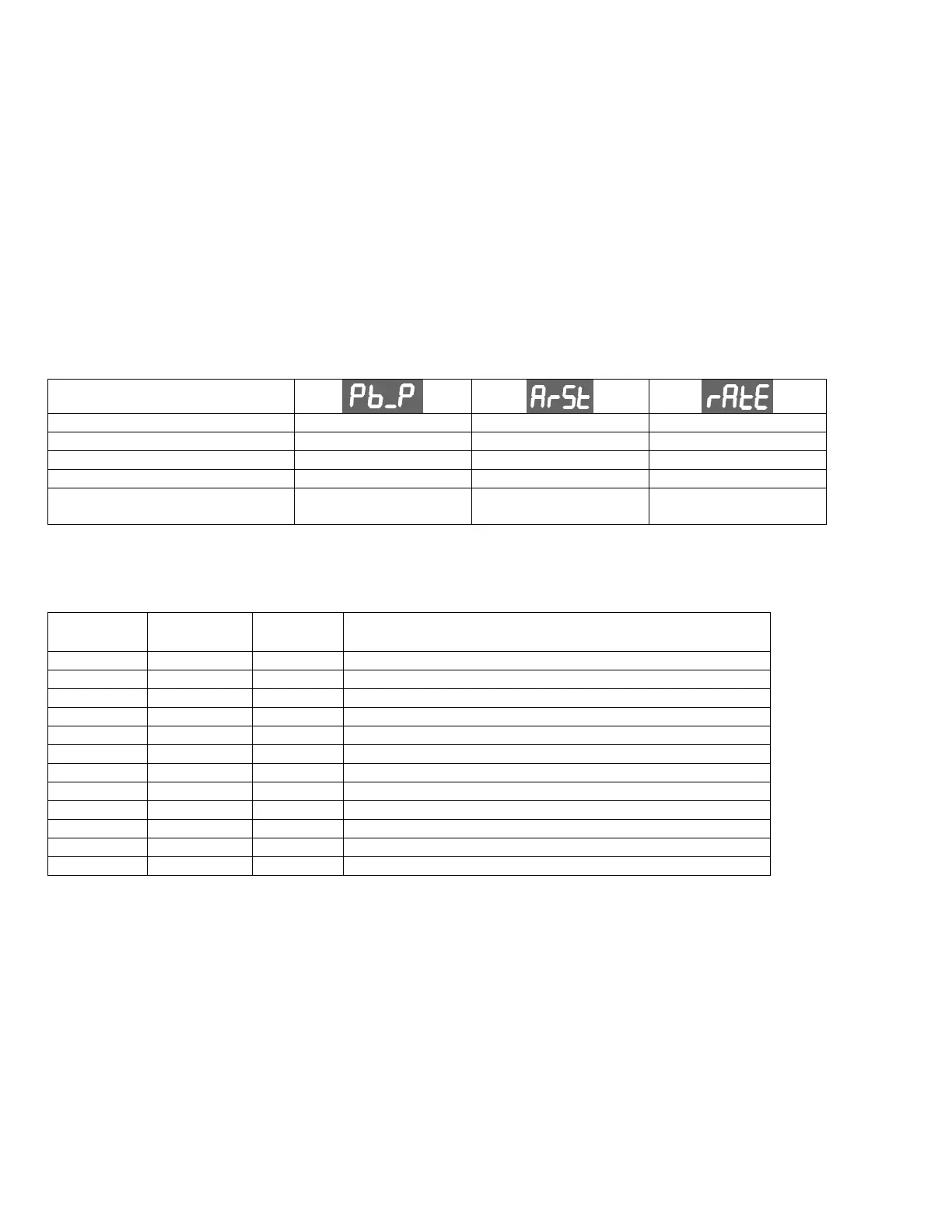
2. Use the up key until “SEtP” appears in the upper display.
3. Press the up key to enter the unlock code (“10”), then press the Scroll key to proceed.
4. Press the Scroll key until parameter “Pb_P” is displayed. Use the up key until the number from the table below
is shown. Press the Scroll key to select.
5. Press the Scroll key to move to parameter “ArSt”, then use the up key until the number from the table below is
shown. Press the Scroll key to select.
6. Press the Scroll key to move to parameter “rAtE”, then use the up key until the number from the table below is
shown. Press the Scroll key to select.
7. Hold the Star key for 3 seconds to return to the operator screen. Continue to Operating Instructions.
Other Gas Ovens (default)
Solenoid Ovens (Pigtail positions
10 and 11 used)
Terminal Cross Reference Chart
Output from Cool Down Relay (NO)
Input to High Limit Relay (COMMON)
Output from High Limit Relay (NO)
PID or Variable Pulse Output
PID or Variable Pulse Output
Input to Temp Control Relay (COMMON)
Output to High Flame Solenoid or Heater Contactors (NO)
Input to Cool Down Relay (COMMON)


 To Next Page
 Loading...