EasyManua.ls Logo

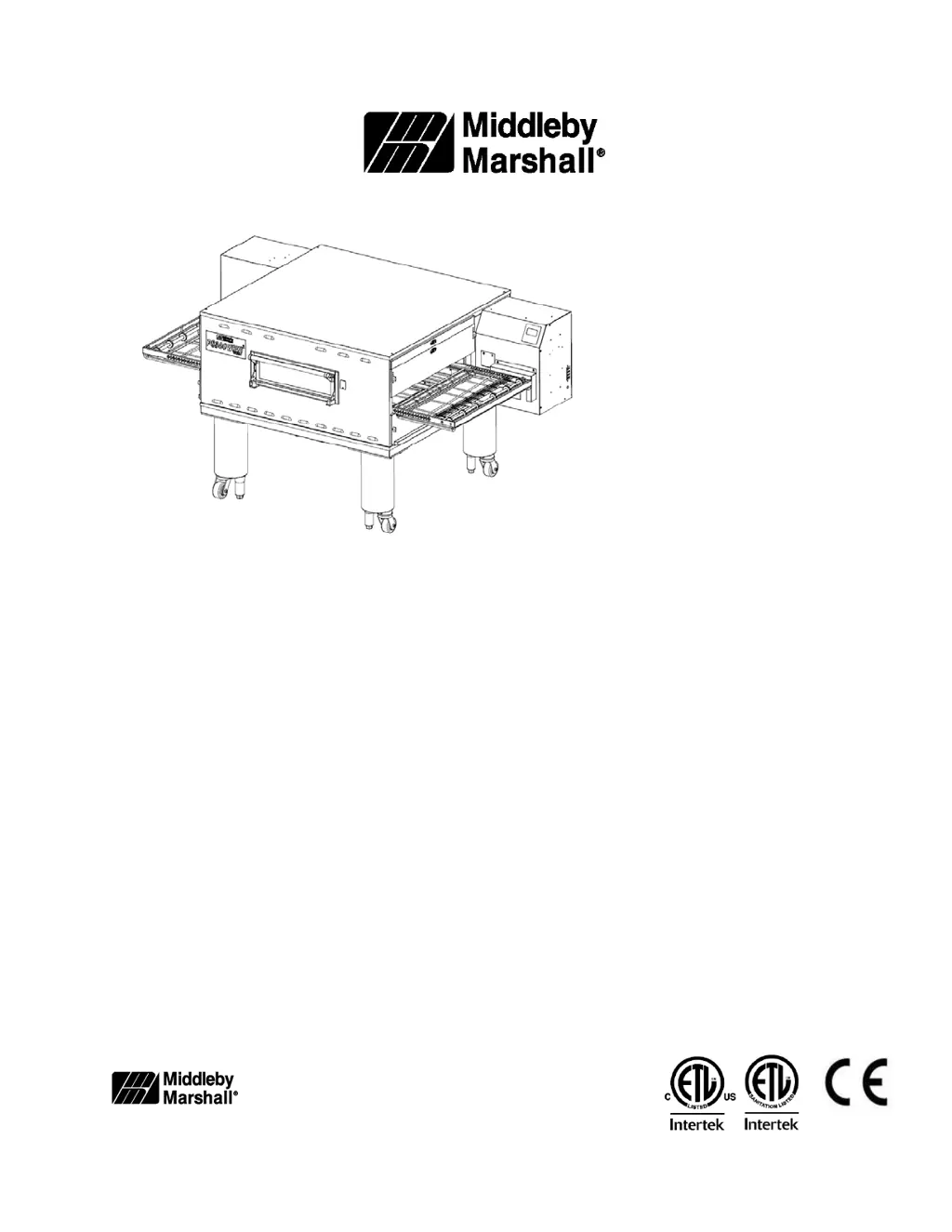
Middleby Marshall PS360GWB Gas - User Manual

Default Icon
42 pages
Print Icon
To Next Page IconTo Next Page
Loading...
PS360G Series P/N: 70071
Gas Rev. J
Domestic & Std. Export June 1
st
, 2019
ENGLISH
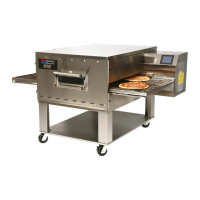
PS360G Series Gas Ovens
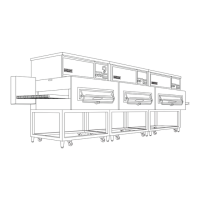
Model: Combinations:
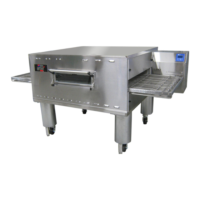
PS360G Gas
Single Oven
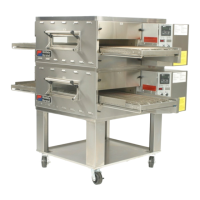
PS360GWB Gas
Double Oven (Two-Stack)
Triple Oven (Three-Stack)
OWNER’S OPERATING AND
INSTALLATION MANUAL
for domestic and standard export ovens
© 2019 Middleby Marshall Inc.
is a registered trademark of Middleby Marshall, Inc. All rights reserved.

Questions and Answers

  • A
    Abigail ZimmermanAug 5, 2025
    How to troubleshoot a Middleby Marshall Oven with no display on the controller?
    • A
      Alex RodriguezAug 5, 2025
      If nothing is displayed on the controller of your Middleby Marshall Oven, start by checking if the oven is properly connected to a power source by checking the plug at the wall. Next, verify that the main breaker is turned on. Lastly, inspect the control circuit breaker to see if it has tripped and reset it if necessary.
  • C
    Clinton EricksonAug 9, 2025
    What does 'RESET IGNITION' mean on my Middleby Marshall Oven and how do I fix it?
    • C
      claytonhayesAug 9, 2025
      If you see “RESET IGNITION” on the display of your Middleby Marshall Oven, it could be due to a gas supply issue. Ensure that the manual gas valve supplying the oven is turned on. If the burner has stopped running, try turning the oven off and then back on to clear the notification and relight the burner. If the problem continues, arrange for service.
  • W
    watkinsjoshuaAug 13, 2025
    What to do if the conveyor is not moving on my Middleby Marshall Oven?
    • S
      Sharon MedinaAug 14, 2025
      If the conveyor on your Middleby Marshall Oven isn't moving, there are several potential causes. First, check for any obstructions jamming the conveyor and remove them after turning the power off. Second, examine the circuit breaker, located on the right side control door, and reset it if it has tripped, making sure to inspect the conveyor for any jamming. Finally, if the chain has come loose from the sprocket, turn the power off, remove the chain cover, replace the chain onto the sprocket, and then reattach the chain cover.
  • D
    Denise RomanAug 18, 2025
    Why is my Middleby Marshall Oven not baking properly?
    • M
      Monica FrostAug 18, 2025
      If your Middleby Marshall Oven isn't baking properly, it could be due to incorrect settings. Verify the time and temperature settings to ensure they are accurate. Another potential cause is kitchen airflow conditions affecting the bake. Try to eliminate any air cross-currents in the area around the oven.
  • B
    Barbara BentleyAug 23, 2025
    Why is the conveyor speed wrong on my Middleby Marshall Oven?
    • D
      Douglas BurkeAug 23, 2025
      If the conveyor on your Middleby Marshall Oven is running at the wrong speed, the time settings may have been altered. Confirm that the values are correct and adjust the control settings accordingly.
  • T
    thomasstoneAug 27, 2025
    What to do if my Middleby Marshall Oven doesn't enter BAKING mode?
    • B
      Briana RobersonAug 27, 2025
      If your Middleby Marshall Oven does not enter BAKING mode when product is placed on the belt, it might be due to a malfunctioning photo eye. As a temporary solution, enter the BLOWER CONFIGURATION menu (manager access) and turn Energy Mode to OFF. This will make the oven run in BAKING mode continuously. Schedule a service repair to fix the photo eye.
  • M
    mbakerAug 30, 2025
    Why is the control display dim on my Middleby Marshall PS360GWB Gas Oven?
    • M
      Michelle TylerAug 30, 2025
      If the control display on your Middleby Marshall Oven is dim and shows the WOW OVEN image, the control is likely in OFF/STANDBY mode. Press the I/O button to turn it on.

Summary

PS360 G Series Oven Manual

Owners Operating and Installation Manual

Comprehensive guide for operating and installing PS360G Series Gas Ovens for domestic and export use.

Safety Warnings and Warranty

Critical safety warnings, notices, and warranty details for the PS360G oven.

Section 1: Oven Description

Oven Uses and Applications

Overview of the various products that can be baked and cooked in the PS360G Series ovens.

Oven Components Identification

Detailed breakdown and identification of the various components that make up the PS360G oven.

Oven Specifications and Dimensions

Technical specifications including dimensions, weight, power, and gas requirements for PS360G models.

Section 2: Oven Installation

General Installation Guidelines

General warnings and requirements for installing the PS360G oven safely and correctly.

Required Kits and Equipment

Lists the specific kits and equipment required for the installation of different PS360G oven configurations.

Oven Layouts and Diagrams

Diagrams illustrating the physical layouts for single, double, and triple stacked PS360G oven configurations.

Ventilation System Requirements

Guidelines and recommendations for installing a proper ventilation system for the PS360G oven.

Assembly Procedures

Step-by-step instructions for assembling the PS360G oven, including base pad, stacking, and restraint cables.

Electrical and Gas Supply Connections

Instructions for connecting electrical and gas supplies, including conversion procedures.

Section 3: Oven Operation

Controls and User Interface

Explanation of the PS360G oven's control panel keys and their functions for operation.

Normal Operation Procedures

Step-by-step guide on starting the oven and adjusting key parameters like temperature and belt speed.

Manager Mode Adjustments

Procedures for making advanced adjustments such as changing blower speeds and energy mode settings.

Section 4: Oven Maintenance

Daily Maintenance Tasks

Daily cleaning and inspection tasks to ensure the PS360G oven operates correctly and safely.

Monthly Maintenance Tasks

Monthly maintenance procedures, including conveyor and air finger cleaning and checks.

Periodic Maintenance (3 & 6 Months)

Three-month maintenance tasks focusing on conveyor components and six-month checks on drive shafts and burners.

Addendum: Propane Conversion

Section 5: Wiring Diagrams

Middleby Marshall PS360GWB Gas Specifications

General IconGeneral
CategoryOven
ModelPS360GWB
Gas TypeNatural Gas or Propane
TypeConveyor
Belt Width36 inches (91.4 cm)
Gas PressureNatural Gas: 7" WC, Propane: 11" WC

Related product manuals