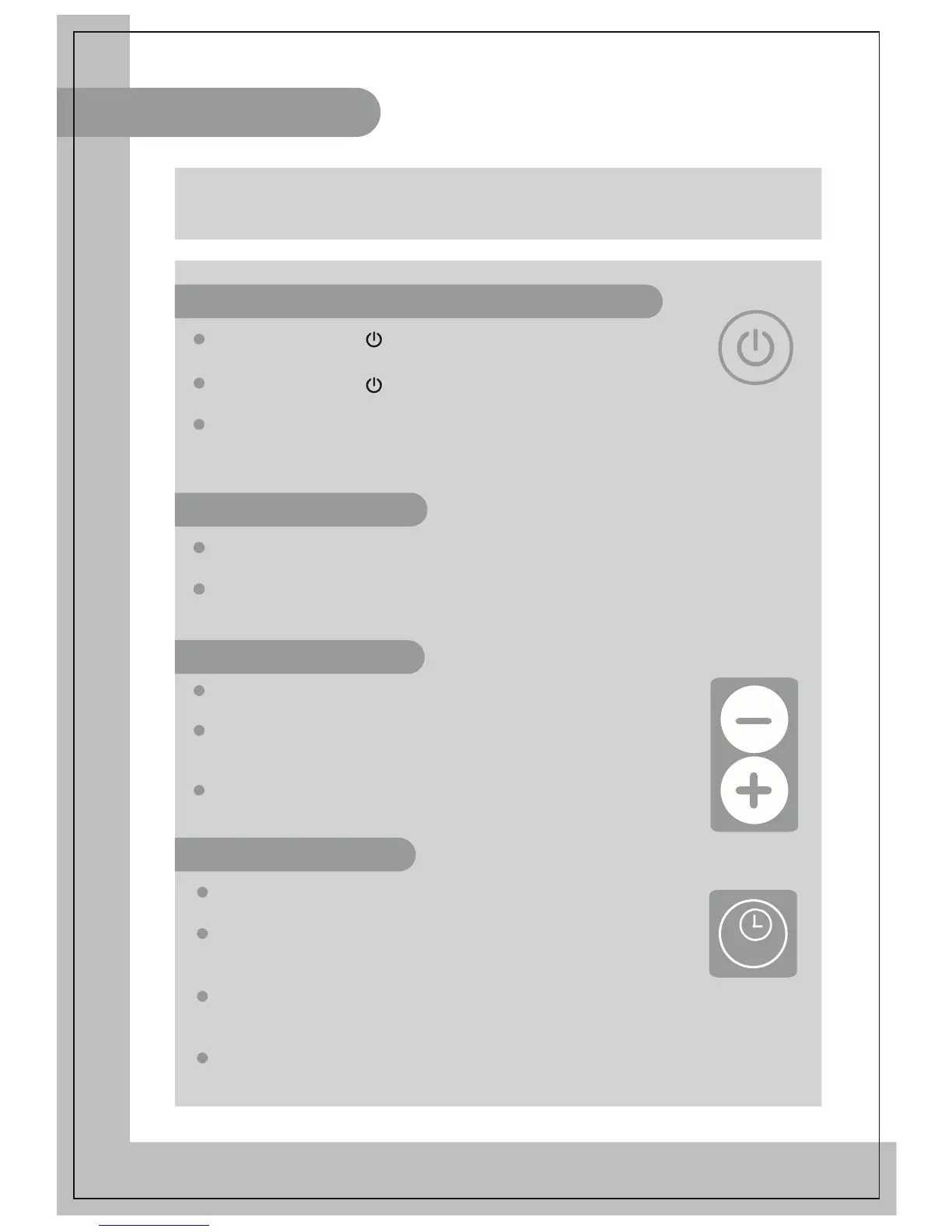
Connecting the power and switching on
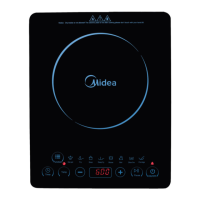
After pressing the “ ” key, press the function keys to select
the required mode. The induction cooker enters working mode.
After pressing the “ ” key, if no function key is pressed for 10
seconds, the induction cooker will switch off automatically.
After pressing the function key, if there is no proper pot on the cooker plate,
the induction cooker will not heat up and the alarm will sound to indicate that
a pot is required. One minute later, it will switch off automatically.
After switching on the appliance, press the “Function” to enter the desired
Please refer to “Functional cooking mode instructions” for the details of the
corresponding heating process for each cooking mode.
After selecting a mode, you can press “+” or “-” to adjust
For some modes, during the heating procedure, the
induction cooker can automatically adjust the power
according to the cooking requirement.
For certain modes, the power is restricted complying
with the cooking requirement.
If timer function is not activated, the induction cooker
will heat the ingredients for the default time duration.
If timer is needed, first press the “Timer” key. When
the numbers blink on the display, press the key “+” or
“-” to adjust the time duration.
When the adjustment is finished, the number on the display
will be shown after blinking for several seconds. The induction
cooker starts counting down.
When the counting down is over, the induction cooker automatically
stops heating and switches off.
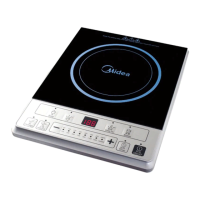
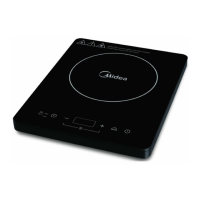
notice: Please read the corresponding instruction
manual for each specific induction cooker purchased.


 To Next Page