Installation & Owner's Manual
29
2
)
Wrong password
When the password was wrong, it would display as follow:
Type the correct password again.
7.3 No device displayed
If login successfully, and no data display in the home page, then contact the dealer or technicians
to check whether the wiring of M-net communication terminal was correct, and whether the air-
conditioner system has been insert correctly to the M-INTERFACE gateway.
7.4 Control operation failed
When changing the operating status of the indoor unit, there might be prompt message of “Setting
failed”, which means the current operation failed. Contact the dealer or technicians to check whether
the communication between the device and M-net terminal was correct, and also the Ethernet.
7.5 No respond in page
When operating the page and no respond or display “No connection” message, that means the
network communication between computer and M-INTERFACE gateway was broke off, and it needs to
check the computer network card, IP setting, and the switch board, as well as the IP of the M-INTER-
FACE gateway and LAN terminal network card indication lamp of M-INTERFACE gateway.
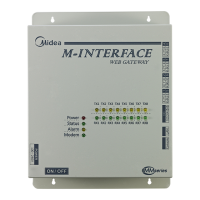
Fig.7-2


 To Next Page
