36
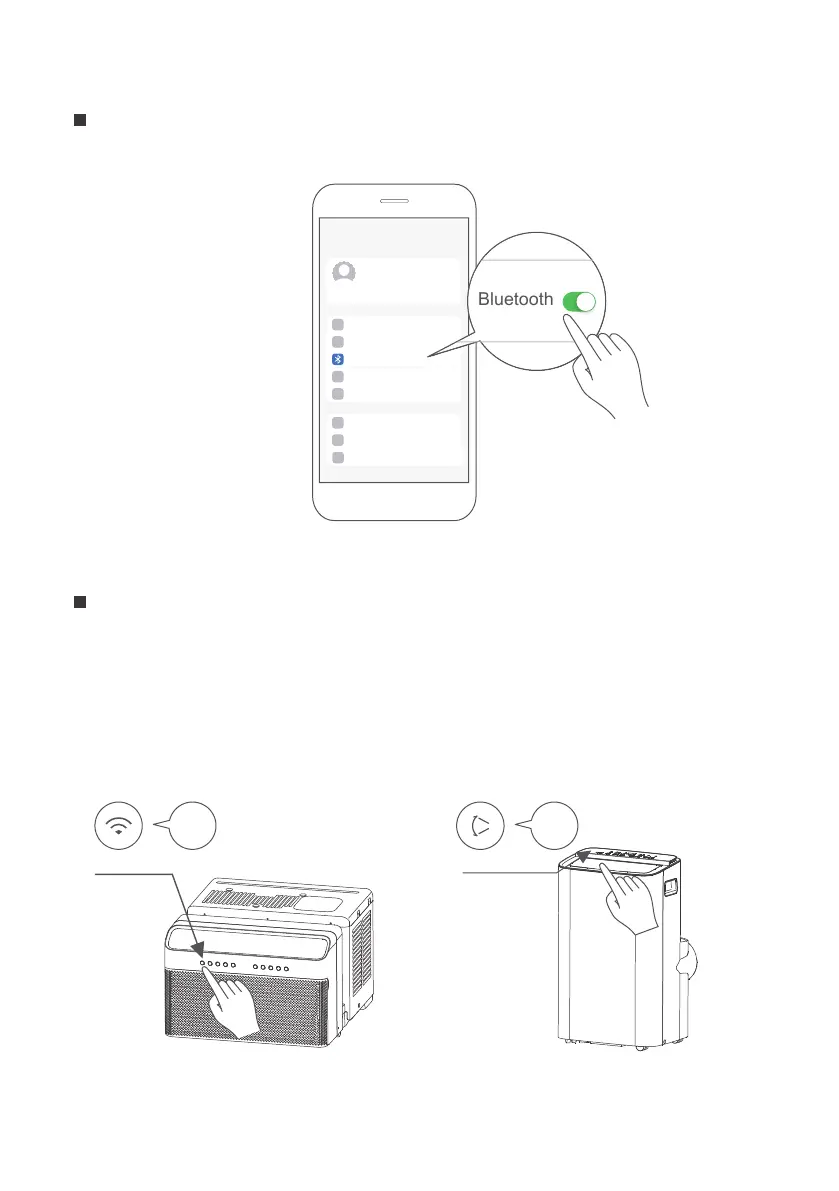
Turn on Bluetooth on your mobile device.
Step 2: Turn on Bluetooth
Settings
Bluetooth
Window AC: Hold down the CONNECT / Power button for 3 seconds to begin the
pairing process (“AP” will appear on the AC’s display).
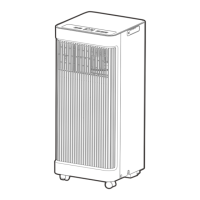
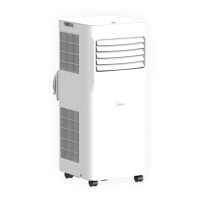
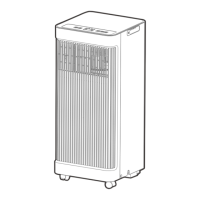
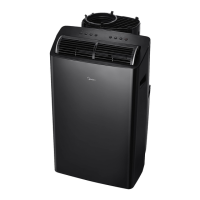
Portable AC: Hold down the SWING / Power button for 3 seconds to begin the pairing
process (“AP” will appear on the AC’s display).
Note: Entering AP pairing mode may vary between dierent AC, please follow
instruction of AC panel.
Step 3: Enter AP mode
AP
CONNECT
AP
SWING
Window AC Portable AC



 To Next Page