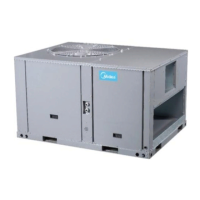
MCAC-RTSM-2014-03 R410A Rooftop Package Unit 60Hz
16.4.5 Troubleshooting
Scrambled or double display
1. Remove clear mylar sticker.
1. Check battery connections and batteries
2. Move the battery out and then hold any key to release the rest energy.
Then place the battery again.
Auto/Fan does not turn on
1. Move Elec/Gas selector to opposite position is the correct position.
2. There may be as much as 4 minute delay before the Heat or Cool
system turns On-wait and check. (Compressor protection delay).
3. Check your circuit breaks and switches to ensure there is power to the
system.
4. Replace batteries.
5. Make sure your furnace blower door is closed properly.
6. Check the position of the Furnace or Heat Pump selector switches:
Normal/O/B.
1. Move the battery out, and then hold any key to release the rest energy.
Then place the battery again.
If unit continues to operate in
the OFF position
Thermostat permanently reads
“E1”,”E2”,”E3”, “E4”.


 To Next Page
 Loading...