32
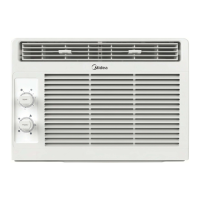
3) Follow the steps in the app to connect your device to the wireless network. If your device fails
to connect, follow the additional instructions in the app.
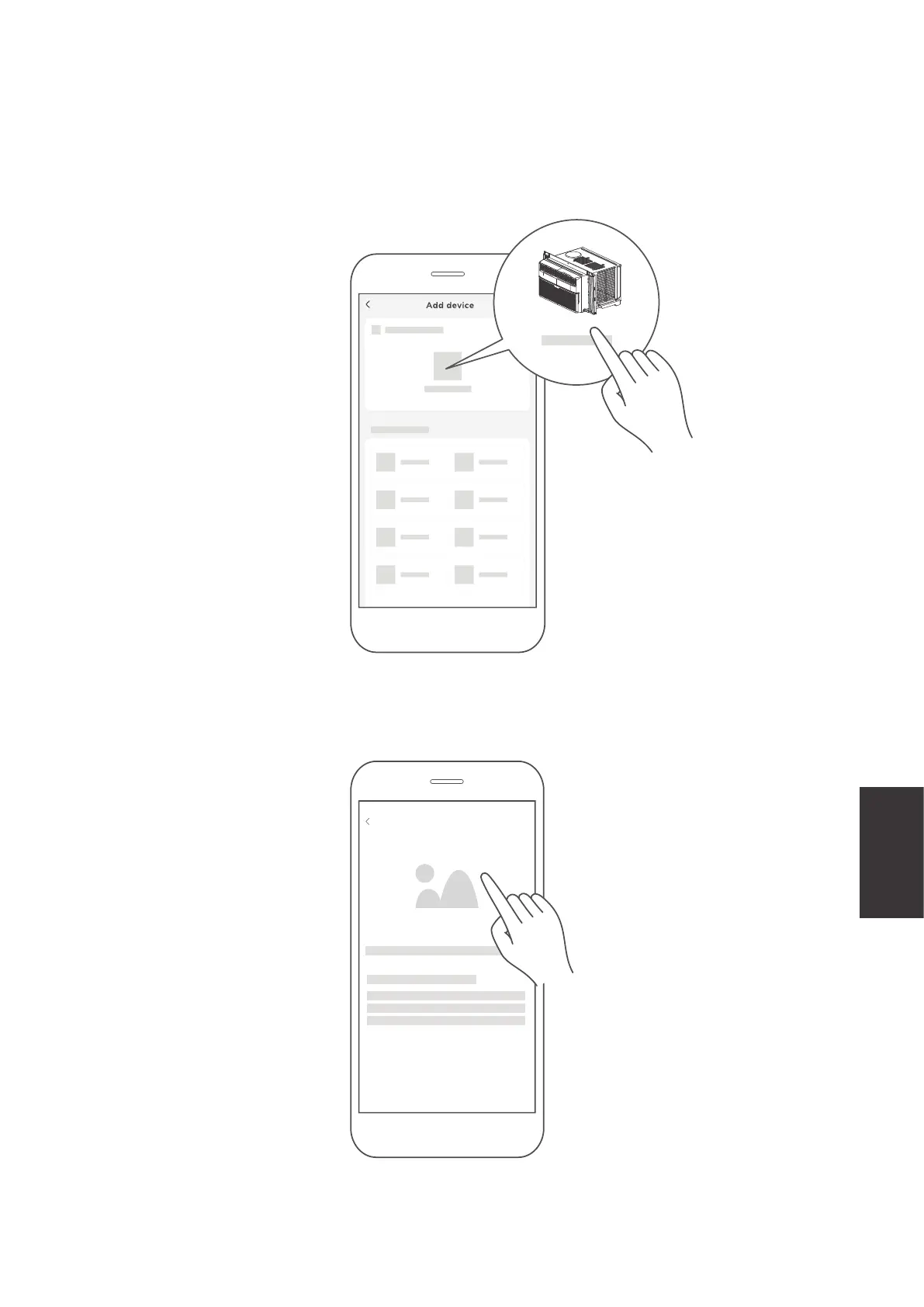
Add device
2) If no such message appears, proceed as follows:
Tap on "+" and select your device in the list of nearby available devices.
If your device is not listed, please add your device manually, first selecting the device category e.g.
Portable AC.
Remote Control
and App
Instructions



 To Next Page