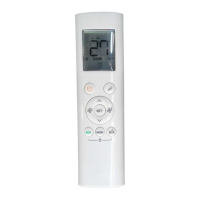
05
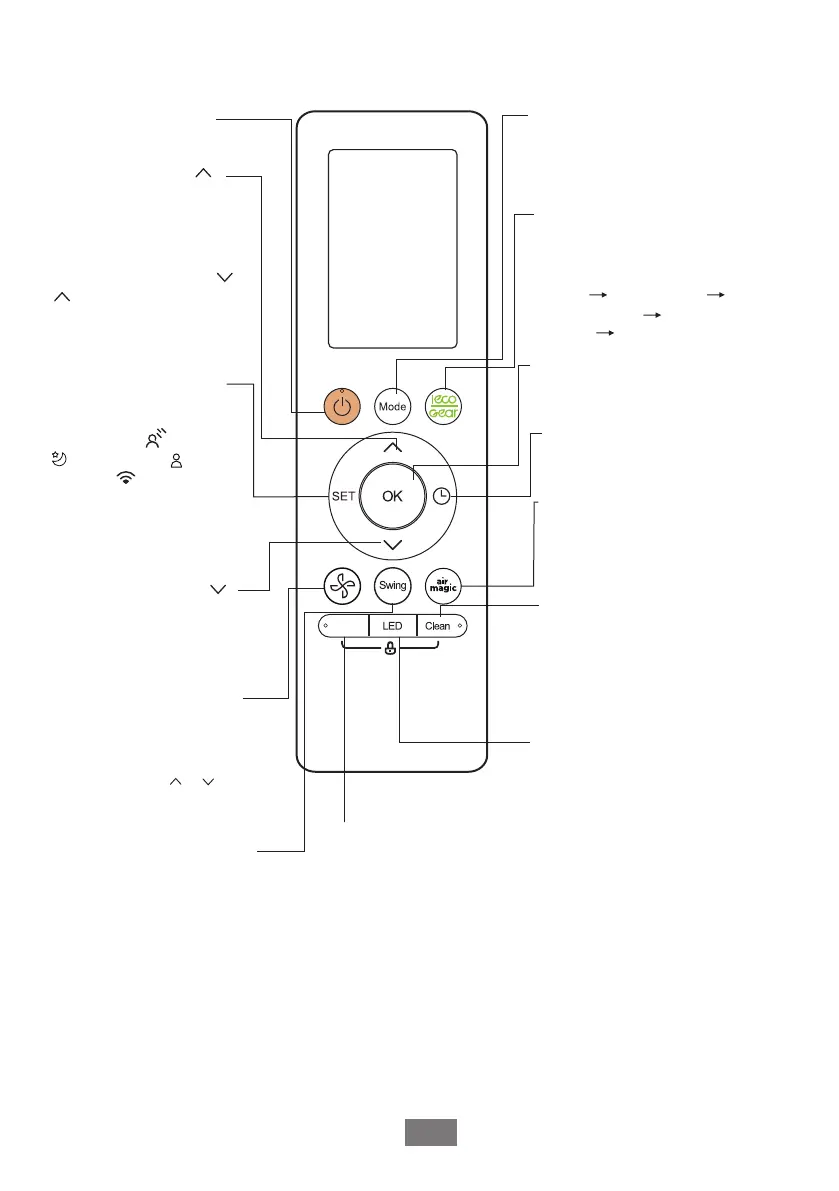
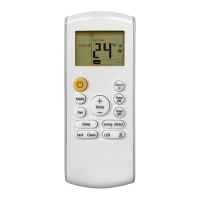
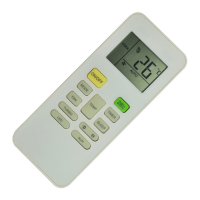
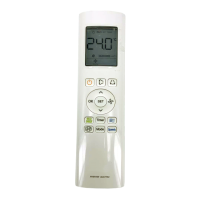
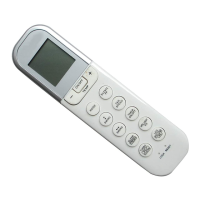
Model: RG10A1(B2S)/BGEF
Starts and stops the horizontal
louver movement. Hold down
for 2 seconds to initiate vertical
louver auto swing feature(some units).
ON/OFF
SET
Turns the unit on or off.
MODE
OK
TIMER
FRESH
CLEAN
LED
BOOST
ECO/GEAR
Scrolls through operation modes
as follows:
AUTO
COOL
DRY
HEAT FAN
FAN SPEED
SWING
Increases temperate in
1°C (1°F) increments.
Max. temperature is
30°C (86°F).
NOTE: Press together &
buttons at the same time
for 3 seconds will alternate
the temperature display
between the °C & °F.
TEMP
TEMP
Used to confirm the selected
functions
Decreases temperature
O O
in 1 C(1 F) increments.
Min. temperature is
O O
16 C(60 F).
Used to starts and stops the
Fresh feature.
Turns indoor unit’s LED display
and air conditioner buzzer on
and off(model dependent), which
create a comfortable and quiet
environment.
Set timer to turn unit on or off
Press this button to enter the
energy efficient moce in a
sequence of following:
ECO GEAR(75%)
GEAR(50%)
mode ECO
......
Scrolls through operation
functions as follows:
Breeze Away( ) Sleep
( )
Follow Me( )
AP mode( ) Breeze
Away ...
The selected symbol will
flash on the display area,
press OK button to confirm.
Selects fan speeds in the
following order:
AU
20%
60% 40% 80% 100%.
Press the TEMP or button
to increase/decrease the fan
speed in 1% increments.
Enables unit to reach preset
temperature in shortest
possible time
Boost
Previous setting
Used to start/stop the Self Clean
or Active Clean function.(Model
dependent, please refer to the
USER’S OPERATION &
INSTALLATION MANUAL for
details)


 To Next Page