
 To Next Page
C
craig31Jul 30, 2025
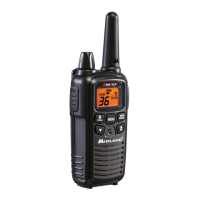
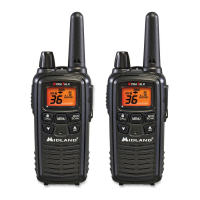
How to fix a Midland LXT 300 with no power?
- KKeith AdamsJul 30, 2025
If your Midland Two-Way Radio has no power, check the battery installation and replace the batteries.

How to fix a Midland LXT 300 with no power?
If your Midland Two-Way Radio has no power, check the battery installation and replace the batteries.
What to do if my Midland Two-Way Radio cannot receive messages?
If you cannot receive messages on your Midland Two-Way Radio: * Confirm the radios have the same channel settings. * Ensure you are within range of the other transceivers. * Be aware that buildings and other obstructions may interfere with your communication.
How to troubleshoot a Midland Two-Way Radio charger that is not working?
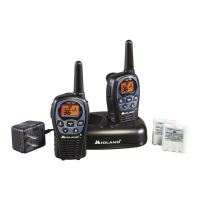
If the charger for your Midland Two-Way Radio is not functioning: * The contacts on the bottom of the radio may need cleaning. * Ensure the outlet the charger is plugged into is working correctly. * Check that the batteries are correctly installed in the radio.
Why is my Midland LXT 300 Two-Way Radio not responding to button presses?
If your Midland Two-Way Radio is not responding to button presses: 1. Make sure the key lock is not activated. 2. Try resetting the radio by turning it off and then on again. 3. Ensure the accessory microphone is set up properly.
Communicate by setting the same channel and using the PTT button to transmit.
 General
| Brand | Midland |
|---|---|
| Model | LXT 300 Series |
| Category | Two-Way Radio |
| Language | English |