EasyManua.ls Logo

Midland SYN-TECH 70-050 - Page 16

Midland SYN-TECH 70-050
39 pages
Print Icon
To Next Page IconTo Next Page
To Previous Page IconTo Previous Page
Loading...
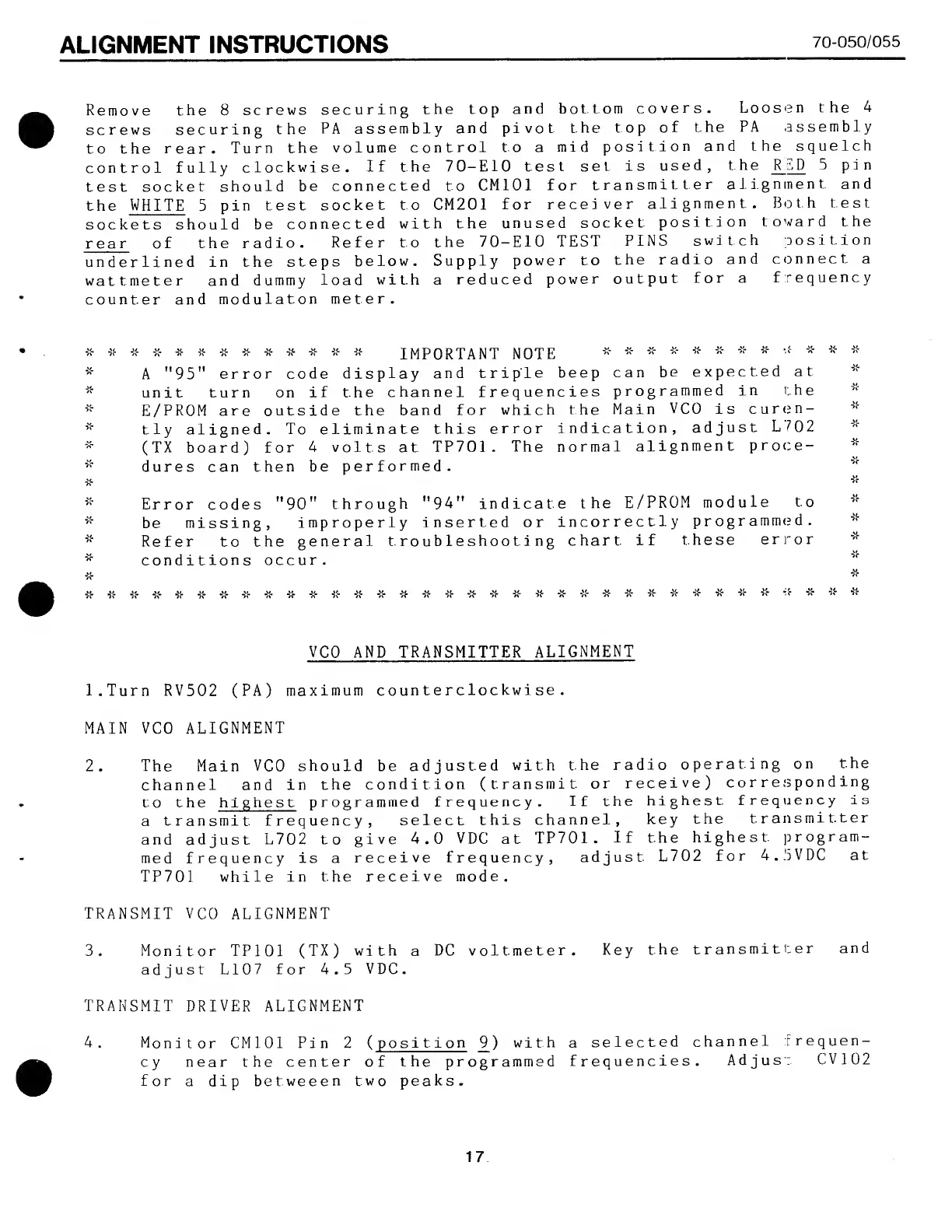
ALIGNMENT
INSTRUCTIONS
70-050/055
Remove
the
8
screws
securing
the
top
and
bottom
covers.
Loosen
the
4
screws
securing
the
PA
assembly
and
pivot
t.he
top
of
the
PA
assembly
to
the
rear.
Turn
the
volume
control
to
a
mid
position
and
the
squelch
control
fully
clockwise,
if
the
70-E10
test
set
is
used,
the
_R_y)
5
pin
test
socket
should
be
connected
to
CM101
for
transmitter
alignment
and
the
WHITE
5
pin
test
socket
to
CM201
for
receiver
alignment.
Both
test
sockets
should
be
connected
with
the
unused
socket
position
toward
the
rear
of
the
radio.
Refer
to
the
70-E10
TEST
PINS
switch
position
underlined
in
the
steps
below.
Supply
power
to
the
radio
and
connect
a
wattmeter
and
dummy
load
with
a
reduced
power
output
for
a
frequency
counter
and
modulaton
meter.
X-
7f
X-
X-
X-
IMPORTANT
NOTE
*
*
*
*
*
*
*
*
*
*
A
"95"
error
code
display
and
triple
beep
can
be
expected
at
unit
turn
on
if
the
channel
frequencies
programmed
in
the
E/PROM
are
outside
the
band
for
which
the
Main
VCO
is
curen-
tly
aligned.
To
eliminate
this
error
indication,
adjust
L702
(TX
board)
for
4
volts
at
TP701.
The
normal
alignment
proce¬
dures
can
then
be
performed.
Error
codes
"90"
through
"94"
indicate
the
E/PR0M
module
to
be
missing,
improperly
inserted
or
incorrectly
programmed.
Refer
to
the
general
troubleshooting
chart
if
these
error
conditions
occur.
*
-jc-
*
*
"JC-
'/c
X-
'X-
X-
X-
X*
:(•
~X*
-X*
X-
VCO
AND
TRANSMITTER
ALIGNMENT
l.Turn
RV502
(PA)
maximum
counterclockwise.
MAIN
VCO
ALIGNMENT
2.
T
h
e
Main
VCO
should
be
adjusted
with
the
radio
operating
on
the
channel
and
in
the
condition
(transmit
or
receive)
corresponding
to
the
highest
programmed
frequency.
If
the
highest
frequency
is
a
transmit
frequency,
select
this
channel,
key
the
transmitter
and
adjust
L702
to
give
4.0
VDC
at
TP701.
If
the
highest
program¬
med
frequency
is
a
receive
frequency,
adjust
L702
for
4.5VDC
at
TP701
while
in
the
receive
mode.
TRANSMIT
VCO
ALIGNMENT
3.
M
o
n
i
t
o
r
TP101
(TX)
with
a
DC
voltmeter.
Key
the
transmitter
and
adjust
L107
for
4.5
VDC.
TRANSMIT
DRIVER
ALIGNMENT
4.
M
o
n
i
t
o
r
CM101
Pin
2
(
p
o
s
i
t
i
o
n
9
)
with
a
selected
channel
frequen¬
cy
near
the
center
of
the
programmed
frequencies.
Adjust.
CV102
for
a
dip
betweeen
two
peaks.
17

Related product manuals