EasyManua.ls Logo

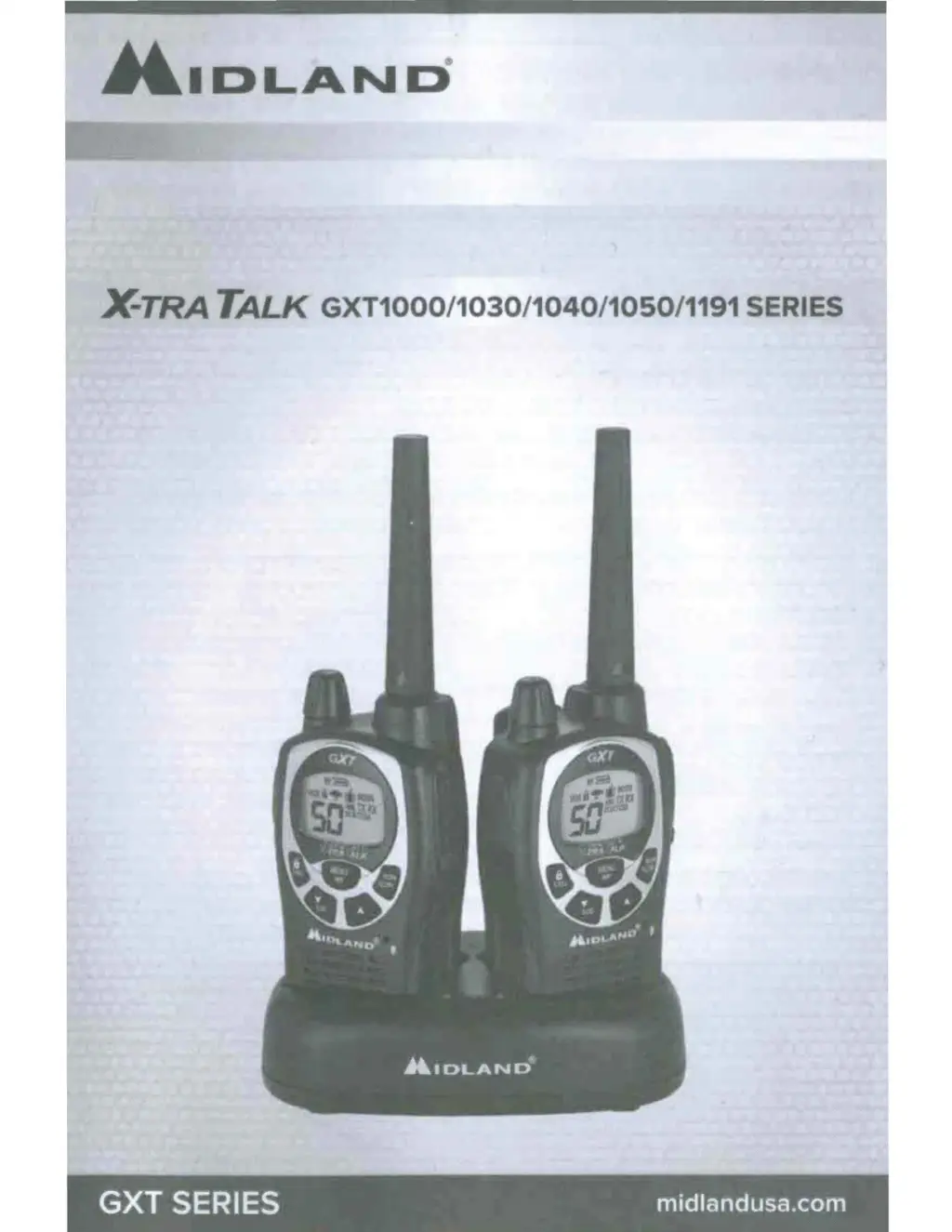
Midland X-TRA TALK GXT1191 - User Manual

Midland X-TRA TALK GXT1191
64 pages
Print Icon
To Next Page IconTo Next Page
Loading...
-IDLAND
Je.TRA
TALK GXT1000/1030/1040/1050/1191
SERIES
GXT
SERIES midlandusa.com

Questions and Answers

  • D
    Dawn JohnsonJul 25, 2025
    What to do if my Midland X-TRA TALK GXT1191 Radio has no power?
    • L
      leblanckatelynJul 25, 2025
      If your Midland Radio has no power, first check the vehicle power source (battery) and replace it if needed. Also, check the input power connection and/or wires to the vehicle power source to ensure they are properly connected.
  • J
    Joshua HollandAug 4, 2025
    Why can't I receive messages on my Midland X-TRA TALK GXT1191?
    • T
      Tina ScottAug 4, 2025
      If you cannot receive messages on your Midland Radio, verify that both radios have the same channel selection and Privacy Code settings. Also, make sure you are within range of the other radio. Buildings and other structures can affect communication range.
  • S
    Susan MorrisonAug 14, 2025
    What to do if the Midland Radio keypad is not responding?
    • K
      Kristina OwensAug 14, 2025
      If the keypad on your Midland Radio is not responding, ensure that the keypad 'lock' is not activated. If it is not, reset the radio by turning it off and then back on.

Midland X-TRA TALK GXT1191 Specifications

General IconGeneral
Channels22
Privacy Codes121
RangeUp to 36 miles
Power Output5 watts
Weather AlertsYes
SOS SirenYes
Channel ScanYes
Keypad LockYes
MonitorYes
Hi/Lo Power SettingsYes
Silent OperationYes
Direct CallYes
Accessory JacksYes
VOXYes
Backlit DisplayYes
ScanYes
Vibrate AlertYes
Battery TypeRechargeable battery pack
Water ResistanceWater Resistant

Related product manuals