14
OPERATION
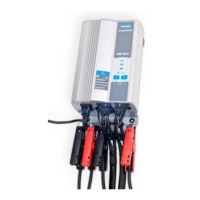
The Multi Function ON/OFF button is pressed but the CHARGEXPRESS PRO does not power-up.
a. Make sure the AC power cord is completely inserted into the AC outlet.
b. Make sure the AC outlet is live (check fuse or circuit breaker).
c. Check the AC power cord for damage.
d. Check the fuses on the outside of the charger.
ERROR CODES
Through the red STATUS LED’s error codes can be transmitted, the selected green function LED will blink
at the same with the same frequency.
Error code Description Action
01 Reverse polarity Correct clamps, red to plus and black to minus
pole
02 Connection problem Correct connection and restart charge
sequence
03 Non 12V battery connected Connect correctly to 12 V
04 Battery voltage too low (< 5,5 V) Battery deeply discharged, consider
replacement battery might be damaged
05 Charge voltage problem, no
increase
Consider battery replacement
06 Charge current problem, no
increase
Battery replacement recommended
07 Too low charge current Battery replacement recommended
08 Internal current failure
09 Internal voltage failure
Switch off unit (press ON/OFF button for 2
seconds) and try again. If problem is consistent
call for service.
10 Internal charger temperature too
high
Switch off unit (press ON/OFF button for 2
seconds). Switch on again and leave the fan
running. If fan is not running call for service.
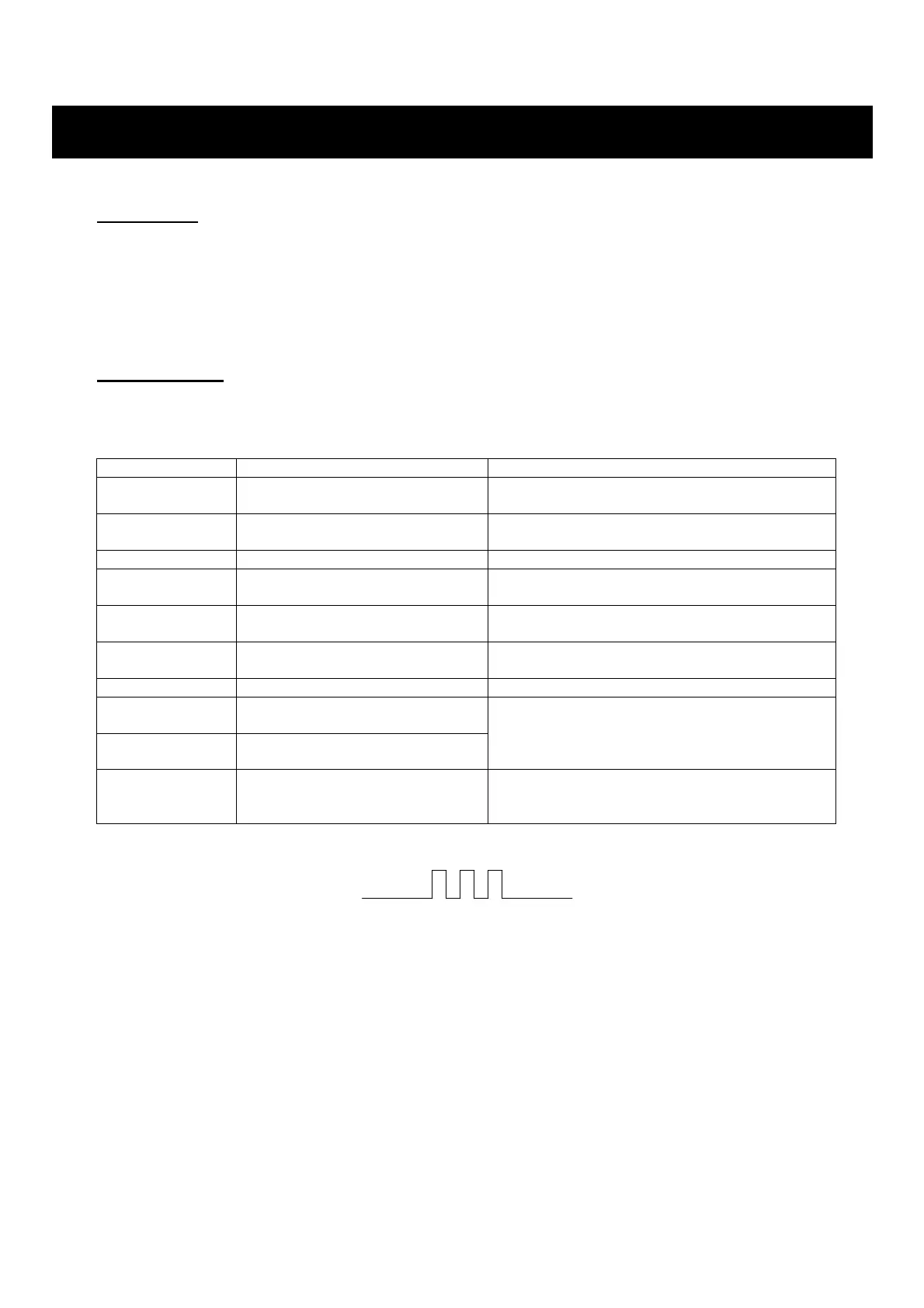
The charger will display any error in the charger as a blink code. The blink rate is:
Sample: this blink rate means error code 3 (non 12V battery connected)
FUSES
On the outside of the charger you find 2 fuses.
TROUBLE-SHOOTING


 To Next Page