8
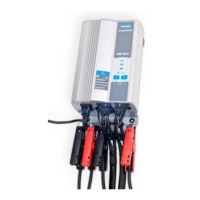
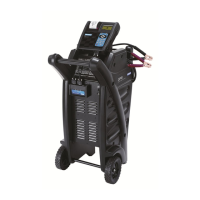
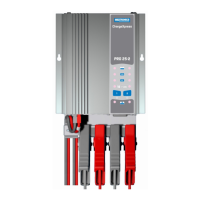
CHARGEXPRESS PRO CONNECTION – BATTERY NOT IN VEHICLE
If necessary to remove battery from vehicle or equipment, always remove grounded terminal from battery
first.
WARNING – Make sure all vehicle loads are OFF to prevent a possible arc.
FOLLOW THESE STEPS WHEN BATTERY IS OUTSIDE VEHICLE. A SPARK NEAR BATTERY MAY
CAUSE AN EXPLOSION. TO REDUCE RISK:
1. Check polarity of battery posts. POSITIVE (+) post usually has larger diameter than NEGATIVE (–)
post.
2. Connect POSITIVE (RED) CHARGEXPRESS PRO clamp to POSITIVE (+) post of battery.
3. Connect NEGATIVE (BLACK) CHARGEXPRESS PRO clamp to NEGATIVE (–) post of battery.


 To Next Page