CPX-900 Battery & Electrical
Diagnostic Analyzer
Quick Reference Guide
167-001092EN-C
March, 2023
Important - Before You Start
• Always follow battery manufacturer instructions and BCI
(Battery Council International) safety recommendations
• For additonal support go to fordcpx900.midtronics.com
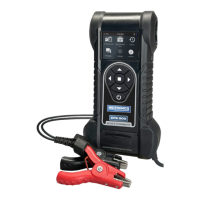
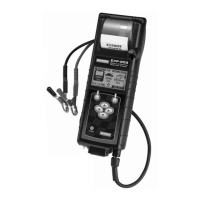
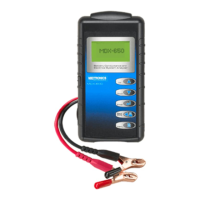
Connections And Data Ports
Display Screen
Cooling Vent
Arrow Keys & Power Button
Micro-USB Port
Thermal Printer
Temperature Sensor
VIN Barcode Scanner
Clamp Tabs
User-replacable AA batteries
User-replace
able test clamps
Conductance Proling
Conductance Proling™ technology determines battery cranking
capability and identies batteries with poor Reserve Capacity. This
additional battery analysis can take up to 60 seconds to complete.
IMPORTANT: Always begin each test by connecting the
tester clamps to the battery being tested. The testing
process begins as soon as the clamps are connected.
Setup
WiFi Settings
Set up the WiFi connection.
IMPORTANT: The CPX-900 will not connect to an en-
terprise network with a user login landing page.
Automatic The tester searches for any detectable WiFi
networks. Select a displayed network is then
displayed on the tester screen.
Manual Manually enter Security, SSID, Password,
Encryption, and WEP Keys.
BMIS Settings
The BMIS credentials are already entered. If they are not, please
enter user credentials shown below, then enter your location ID
for verication.
Use to highlight the numbers on the displayed
keyboard and press
to select.
User Credentials FordUs@cpx900.com
Password FordUsMdx1!
Client ID 30070U
For an online step-by-step guide through the tool’s initial setup, please scan the QR code on Page 4:

 Need help?
 General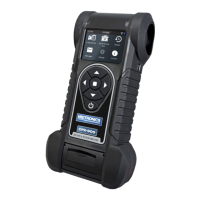



 To Next Page