Operation
19
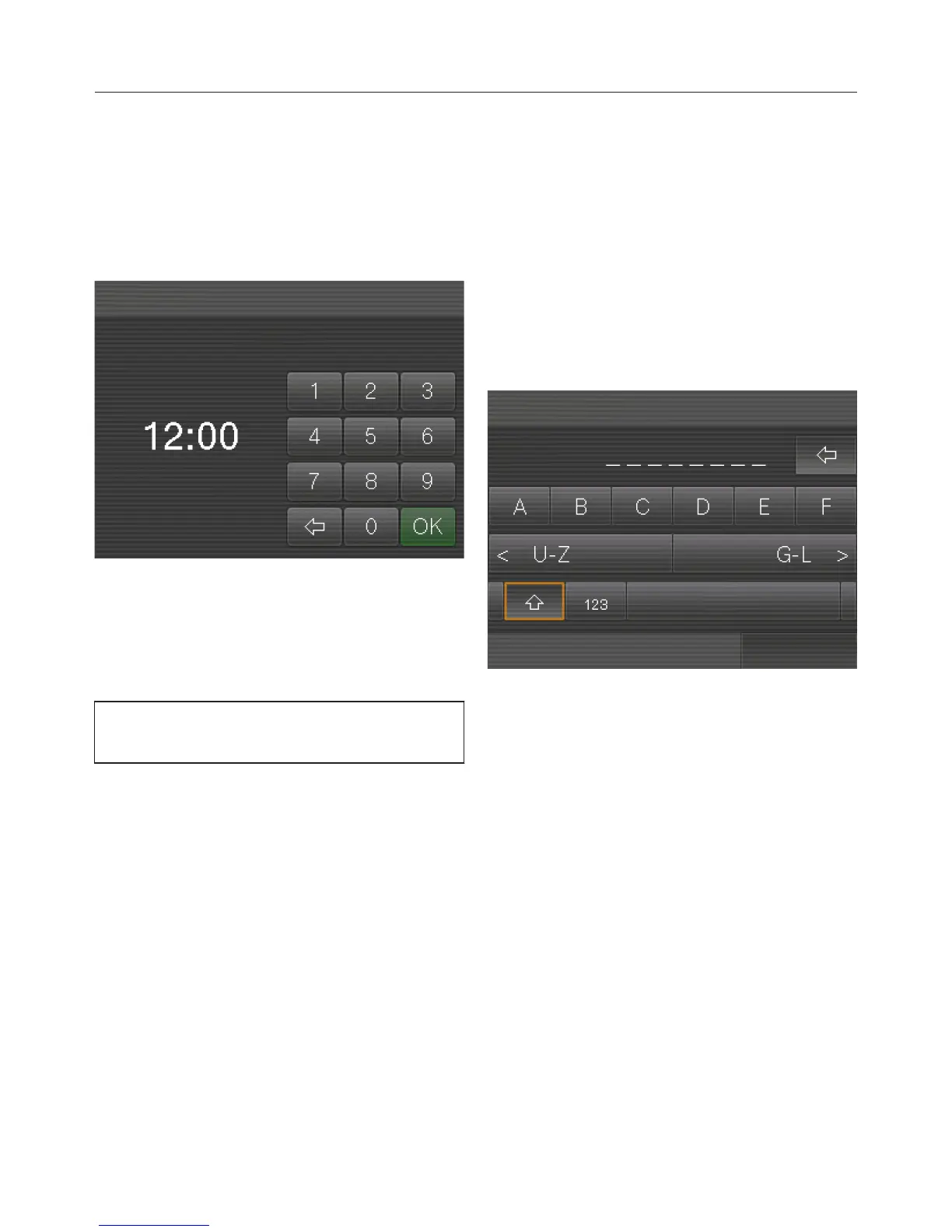
Entering numbers
Use the numerical keypad to enter
numbers, e.g. if you want to set a timer
duration. The numerical keypad will
appear automatically in the relevant
menus.
Touch the numbers you want.
When you enter a valid number, the OK
field will light up green.
Touch OK.
You can delete one character at a time
using the arrow sensor.
Entering letters
Profile names or the names for your
own drinks are entered using a
keyboard.
It is best to select short names (max. 8
characters).
Further letters or symbols can be
accessed using the and arrow
sensors. Numbers can be found by
touching the 123 sensor.



 To Next Page