Turning on the fan
^
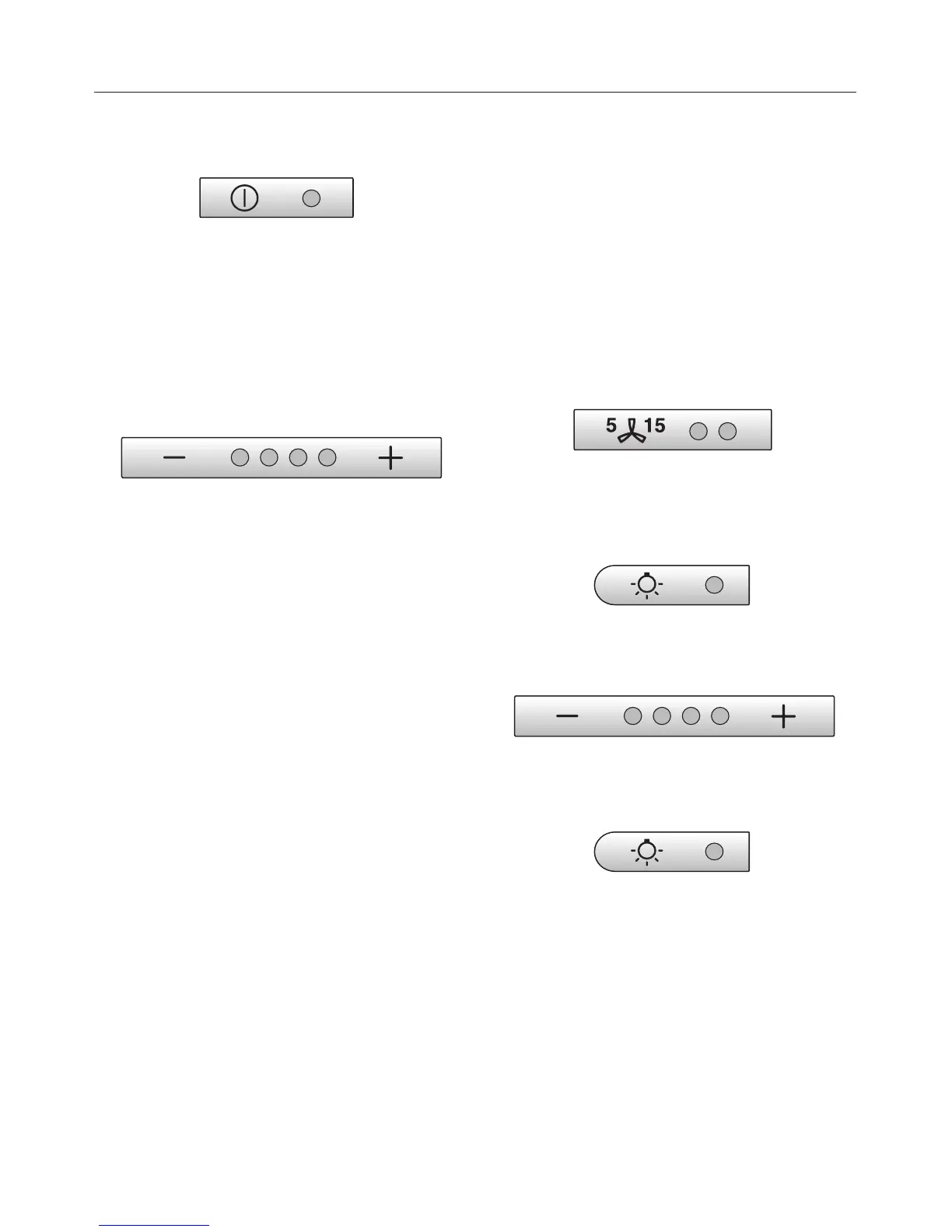
Press the On/Off button.
The fan switches to level "2".
The indicator light comes on.
Select the power level
^ Use the buttons "– / +" to select the
desired performance level.
Button "+" = more power
Button "–" = less power
Typically, levels "1" to "3" are sufficient
for regular cooking needs.
Intensive setting
To remove intensive vapors or odors,
for example when pan-frying, level "4"
the can be used temporarily.
Automatically switching back the
intensive power level
The intensive level "4" can be
programmed to automatically switch
back to level "3" after 10 minutes.
^
Turn the fan and the lights off.
^
Press and hold the "Delay Shut down"
button for 10 secs. The first indicator
lights.
^ Press the following buttons one after
another,
– light
–
the "–" button, and
–
the light button again.
Operation
10



 To Next Page