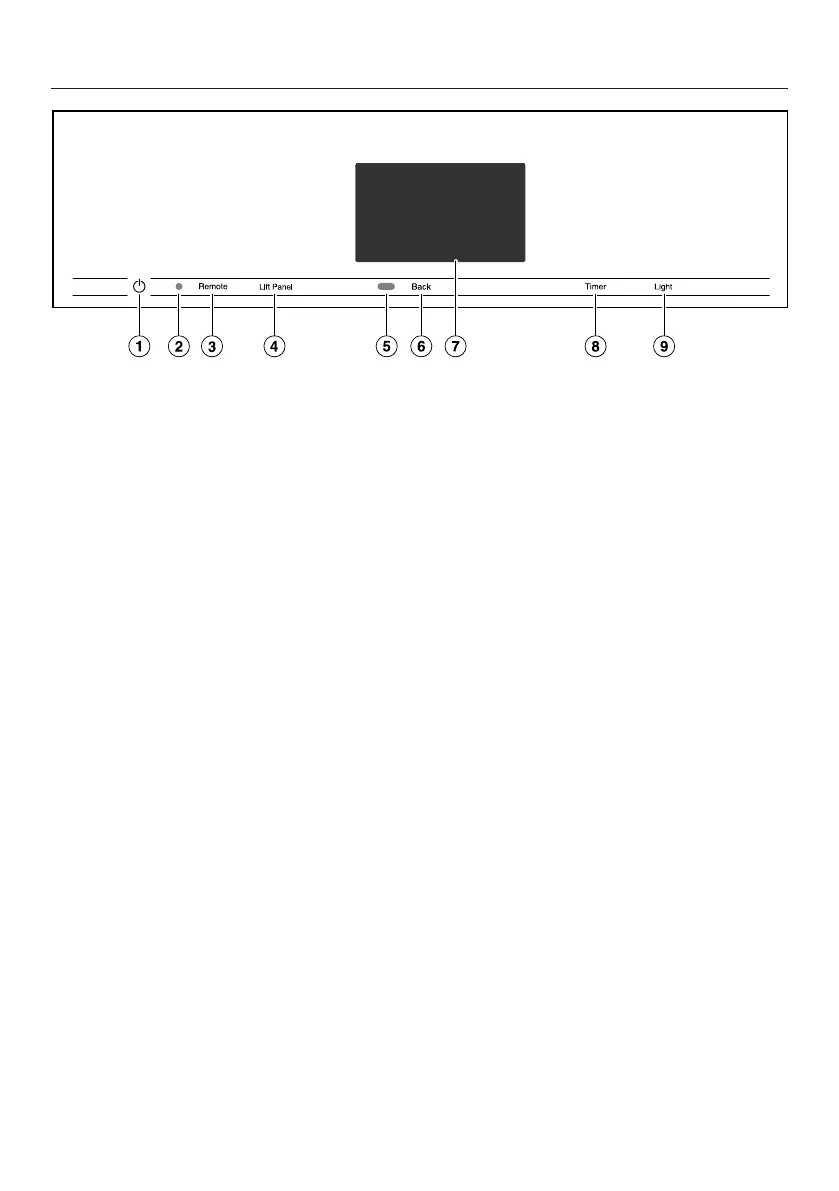
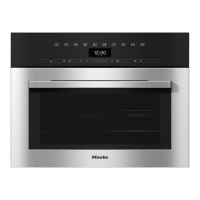
Control panel
27
a
Recessed On/Off button
For turning the steam oven on and
off
b
Optical interface
(for Miele Service only)
c
Remotesensor button
For controlling the steam oven via
your mobile device
d
Lift Panelsensor button
For opening and closing the control
panel
e
Proximity sensor (MotionReact)
For turning on the oven interior light-
ing and the display when ap-
proached, and to dismiss the audi-
ble signal when movement is de-
tected
f
Backsensor button
To go back a step
g
Touch display
For displaying information and for
operation
h
Timersensor button
To activate or deactivate timers or
alarms
i
Lightsensor button
For switching the oven interior light-
ing on and off




 To Next Page