Accessing the RemoteVision
control panel
^
Touch the access button "p"soit
turns yellow.
^
Note the position of the X button, but
do not touch.
^
Touch the access button "p" again so
it turns white.
Only the access button "p" is visible.
^ Place one finger on the position of
the X button and hold (the X button
will not be visible).
^ While holding down the X button,
press the access button "p" once.
Keep holding the X button down until
the following appears in the display
(approx. 5 seconds).
Access to the Custom settings mode is
now active for approximately 10
seconds.
^
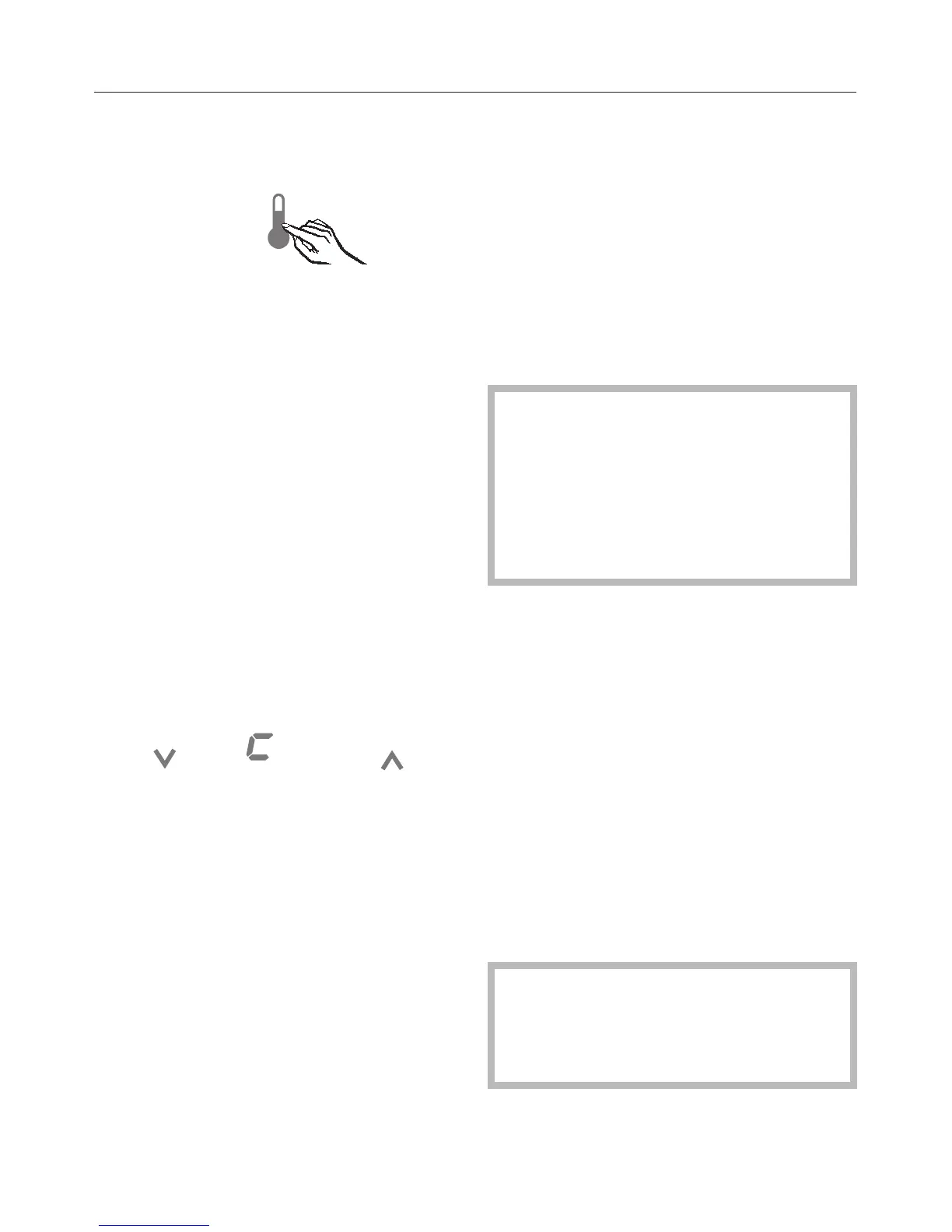
Tap the X button until ; appears in
the display.
^
Touch the access button "p"to
confirm.
See the table on the following page for
a description of each setting in the
display.
^
Use the Y or X buttons to select the
RemoteVision options.
The module has been connected to
the network when ; # appears in the
display.
If ; # does not appear, refer to the
"Network options" section of the
XKM 2000 Installation Instruction
manual.
^ Press and hold the access button "p"
for 2 seconds to confirm the change.
^ To return to the main menu, tap the X
button until a solid ; - appears in the
display.
^
Press the access button "p"to
confirm.
^
Tap the X button until a ; appears in
the display.
^
Touch the access button "p".
You have left the Custom settings
mode.
When you are in the Custom settings
mode the door alarm is turned off
automatically. Once the door is
closed it is reactivated.
RemoteVision (optional accessory)
77


 To Next Page