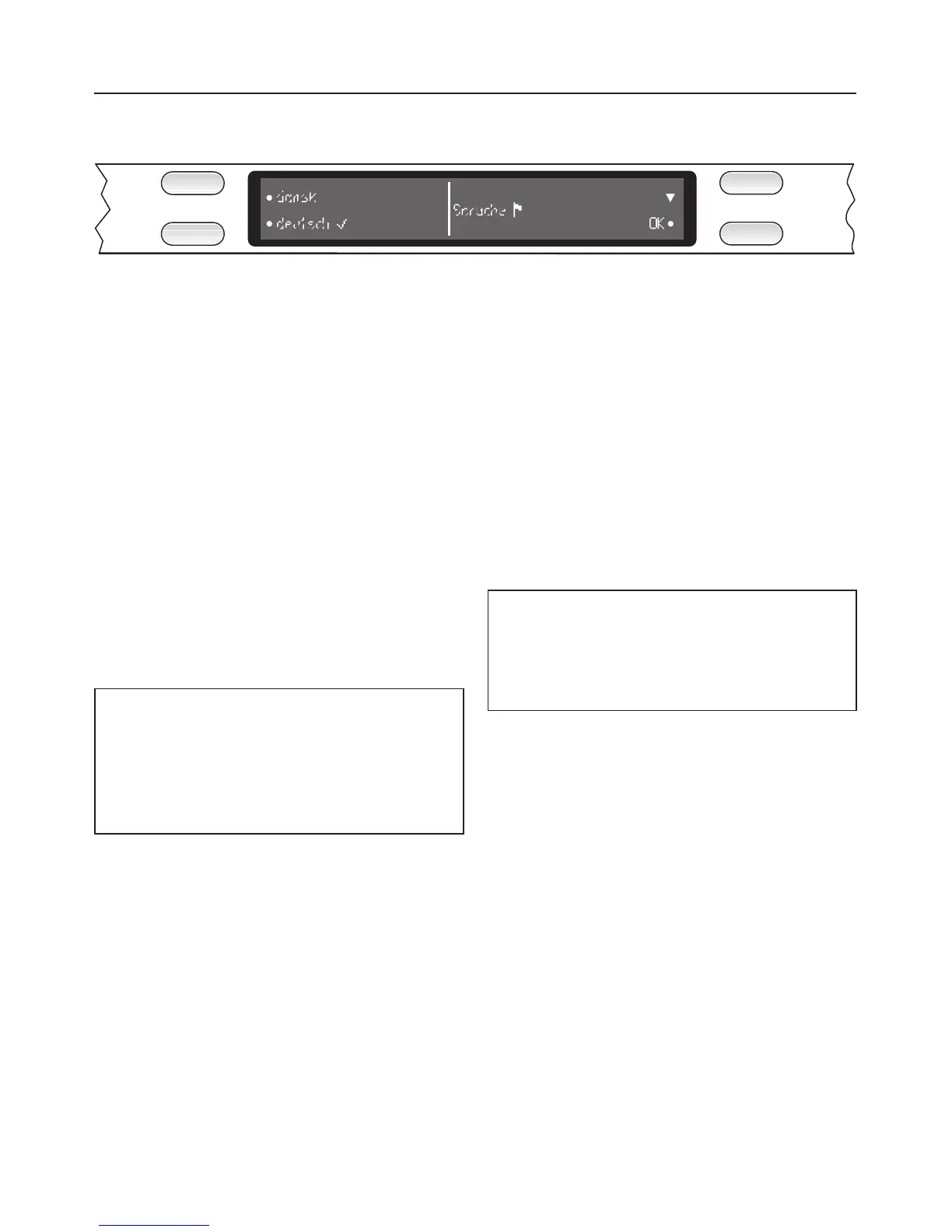
Display
The display is used to select the
following:
–
the programme
–
extras
–
the delay start time
–
the "Settings J" menu
During a programme, the display
shows the following:
– the name of the programme
– the current time of day
– the stage the programme is at
– the estimated time left for the
programme to run
– any relevant fault messages and
notes
To save energy the display goes out
after 10 minutes if you do not press
any buttons during this time.
Pressing any button will switch the
display back on again.
A dot in the display next to a button
indicates that a function can be
selected with that button.
The arrows on the right hand side of the
display indicate that more options or
more text can be displayed by pressing
the relevant button.
The
OK function is used to confirm a
message or setting and also to move to
the next menu or to another level.
The "Settings J" menu is used to alter
the dishwasher’s electronics to suit
different requirements. See "Settings
menu" for more details.
Description of the appliance
7


 To Next Page