Technical Information
16
G 1xxx/G 2xxx
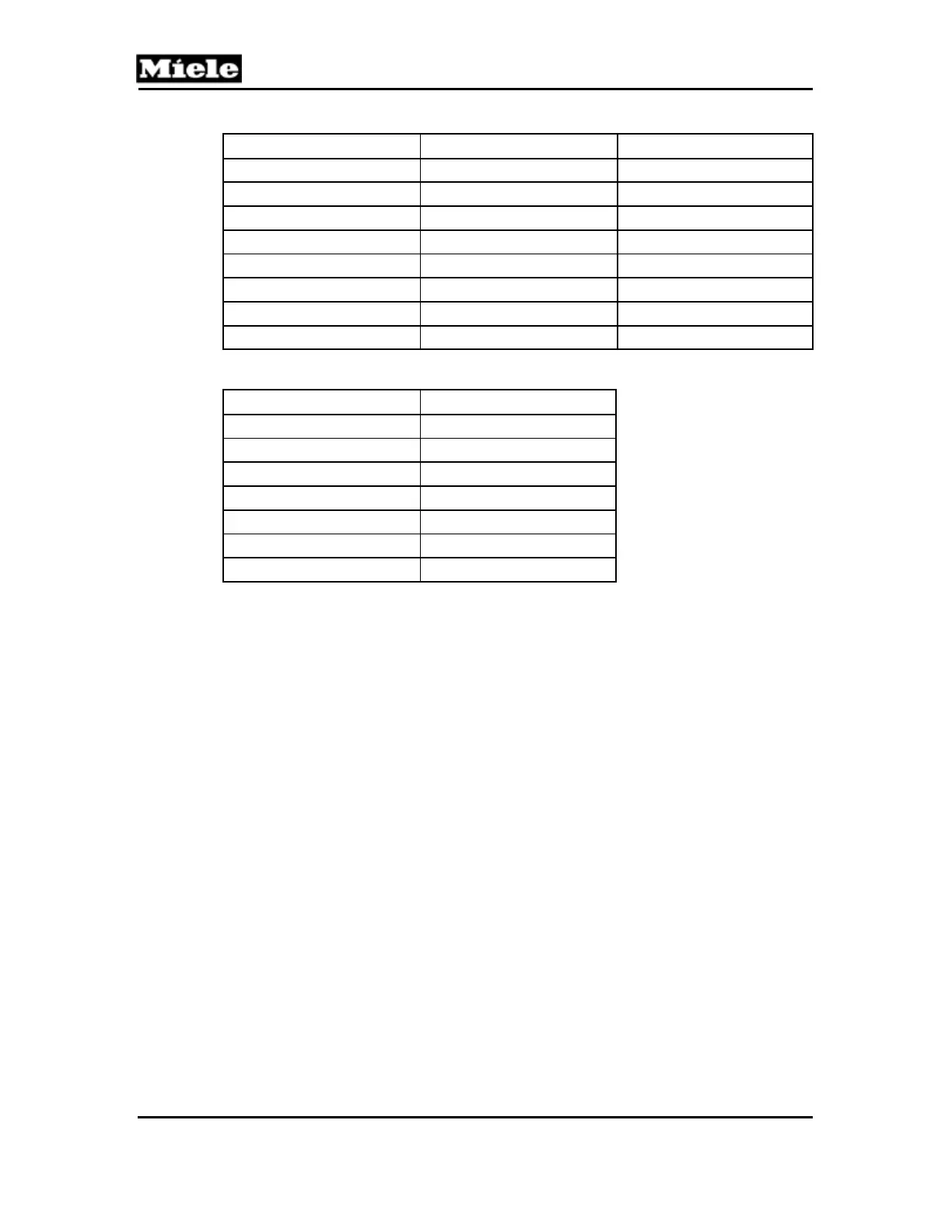
Water Hardness [°d] Water Hardness [gpg] Display
1 1.1
P1
2 2.1
P2
3 3.2
P3
… … …
36 38.5
P36
37 – 50 39.6 – 53.5
P50
51 – 60 54.6 – 64.2
P60
61 – 70 65.3 – 74.9
P70
Table 9: Water Hardness Settings, G 1262
Rinse Aid Volume [mL]
1
Display
0
P0
1
P1
2
P2
3 P3
2
4
P4
5
P5
6
P6
Table 10: Rinse Aid Settings, G 1262
1
One milliliter equals 0.3 fluid ounces.
2
Standard setting.
2.4 Optima - G 1470/G 2470
Initial requirements:
1. Open the door.
2. Switch off the appliance.
Accessing:
1. Press and hold the Program button.
2. Switch on the appliance.
3. Release the Program button.
4. Immediately press the Program button 5 times; on the 5th time, hold until
the “Rinse & Hold” LED flashes.
5. Release the Program button.
6. If the “Rinse & Hold” LED does not light up, repeat the procedure.
Acknowledgement indicator:
The “Rinse & Hold” LED flashes rapidly (5 flashes per second).



 To Next Page