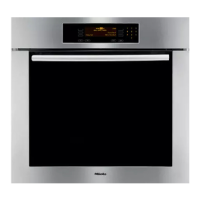
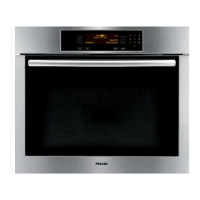
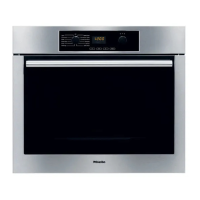
This oven uses soft key technology and
an LCD display to assist in the selection
of functions.
To select a function, touch the control
next to the desired function. The arrow
next to each displayed function points
to its corresponding control.
^
Touch the "On/Off" control to activate
the display.
Additional functions are displayed by
touching the "more" control.
The previous display can be recalled
by touching the "back" control.
Dots after a function indicate a
submenu.
The submenu will appear when the
function is selected.
# UPPER
( BAKE...
BROIL... )
( ROAST...
FAVORITES... )
( MASTER CHEF...
more )
# UPPER
( back
PROOF... )
( SABBATH...
DEFROST... )
( DEHYDRATE...
more )
# UPPER
( back
( SELF CLEAN
( SETTINGS F...
Using the oven display
13



 To Next Page