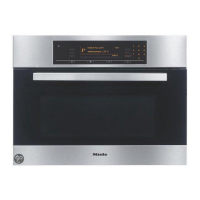
Controls
22
Rotary selector
Use the rotary selector t
o enter
temperatures and durations.
Turning it clockwise will increase the
values, and turning it anti-clockwise will
decr
ease them.
It can also be used to highlight a
function by moving the triangle in
the display
.
It can be turned clockwise or anti-
cloc
kwise. It can be retracted in any
position by pressing it in.



 To Next Page