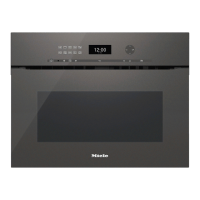
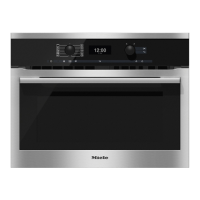
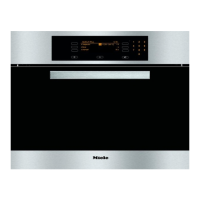
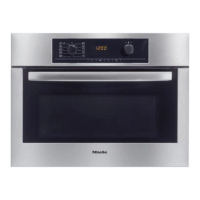
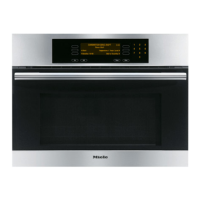
Display
The display is used for showing the
time of day or information about
functions, temperatures, microwave
power levels, cooking durations, Auto
-
matic programmes, User programmes
and settings.
Information or a list of options will
appear in the display depending on the
function selected and/or touching the
X sensor.
After switching on the oven with the On/
Off K sensor, the prompt to "Select
function" will appear in the display.
If the time of day is visible and you
have not selected a function, a list
with the following options will appear
in the display when you touch the X
sensor:
–
Language
!
–
Time of day
–
Date
–
Lighting
–
Display brightness
–
Buzzer tones
–
Keypad tone
–
Units
–
Quick MW
– Popcorn
– Keeping warm
– Cooling fan run-on
– Recommended temperatures
– Recommended power levels
– System lock
0
– Showroom programme
– Factory default
After selecting a function (except for
c), a list of options for that function
will appear in the display when you
touch the X sensor:
–
Temperature
–
Power level
–
Duration
–
Duration MW
–
Finish at
–
Start at (only if "Duration"/"Finish at"
have been set)
^
To select an option, scroll through the
list with the Rotary selector V W until
the option you want is highlighted.
^
Then confirm your choice with the OK
sensor.
Oven controls
28


 To Next Page