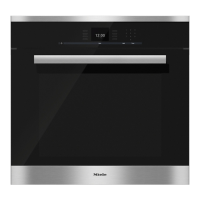
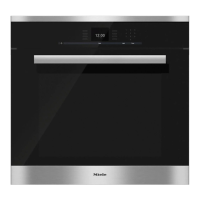
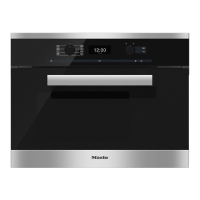
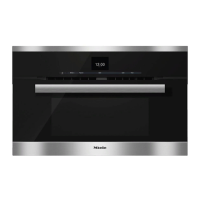
Control panel
18
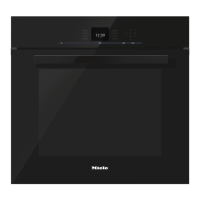
Display
The display is used for showing the
time of day or information about
modes, temperatures, cooking
durations, MasterChef programs and
settings. Information or a list of options
is shown on the display depending on
the function selected.
After turning the oven on with the On/
Off sensor button , the main menu
will appear:
If a cooking process is running,
selecting Change will call up a list of
options which can be set or changed
for the cooking process in progress.
– Temperature
– Core Temperature (only when using the
roast probe)
– Duration
– Ready at
– Start at (only if Duration / Ready at has
been set)
– PreHeating (only available in some
operating modes)
– Operating Modes
A menu item can be selected by
touching the illuminated sensor
next to the menu item.
Options can then be accessed by
touching the illuminated sensor
next to OK.

 To Next Page
 Loading...