Demonstration mode
The appliance can be displayed in the
demonstration mode. When this is
activated, the controls and lighting are
functional but the cooling system
remains switched off.
Activating and deactivating
the demonstration mode
^ Switch on the appliance.
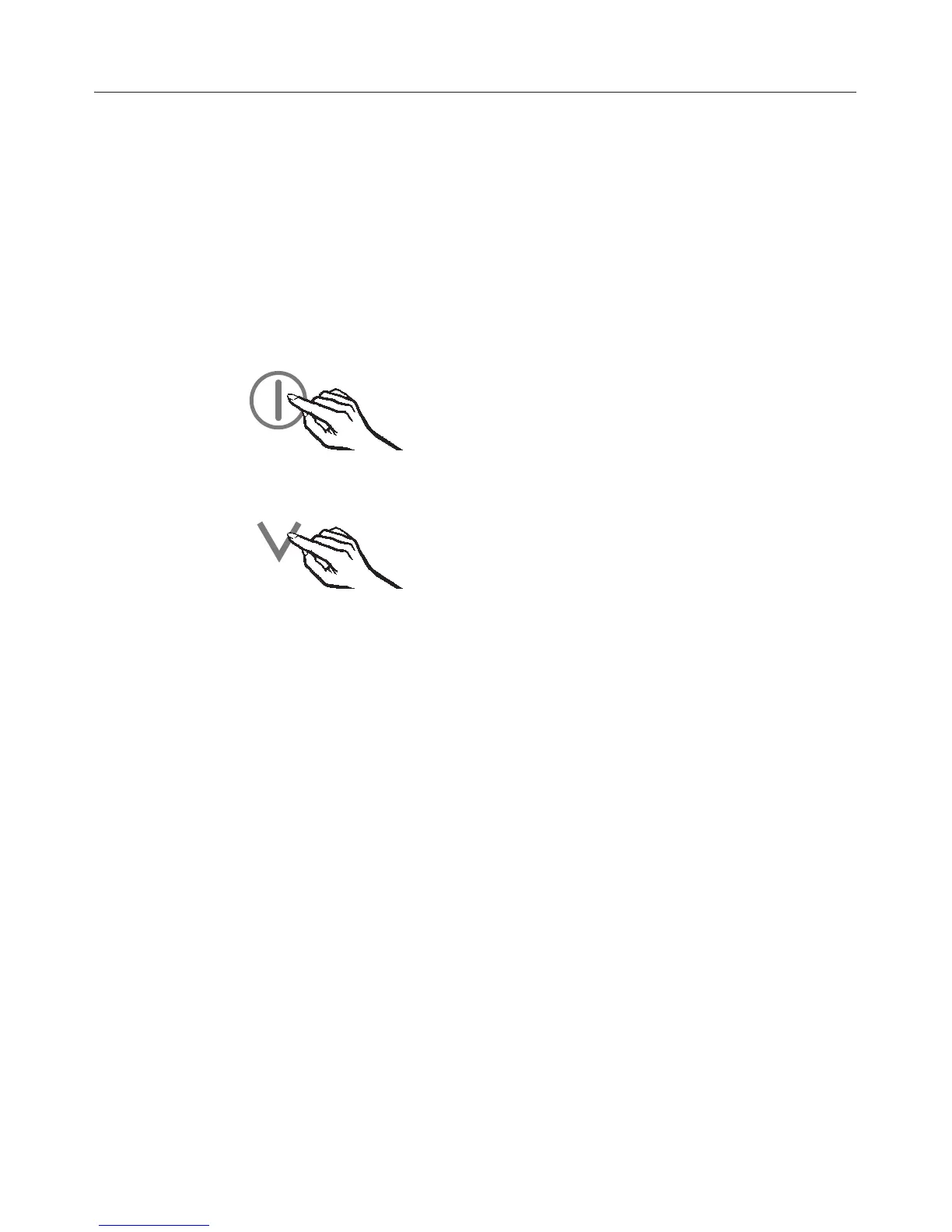
^ Touch and leave your finger on the X
sensor.
At the same time, briefly touch the
On/Off sensor (without letting go of
the X sensor).
^
Touch the X sensor four times and
then leave your finger on the sensor
at the fifth touch until P appears in the
display.
^
Touch the X sensor repeatedly until n
appears in the display.
^
Touch the On/Off sensor.
^
By touching the X sensor, you can
now select whether the
demonstration mode is switched on
or off:
n0: Demonstration mode is
deactivated
n1: Demonstration mode is activated
n –: Return to menu
The old setting lights up, and your
newly selected setting flashes.
^
Touch the On/Off sensor to confirm
the new setting.
^
Touch the X sensor repeatedly until P
appears in the display.
^
Touch the On/Off sensor.
You have now left settings mode.
The demonstration mode is
activated/deactivated.
Information for Chartered Agents
46



 To Next Page